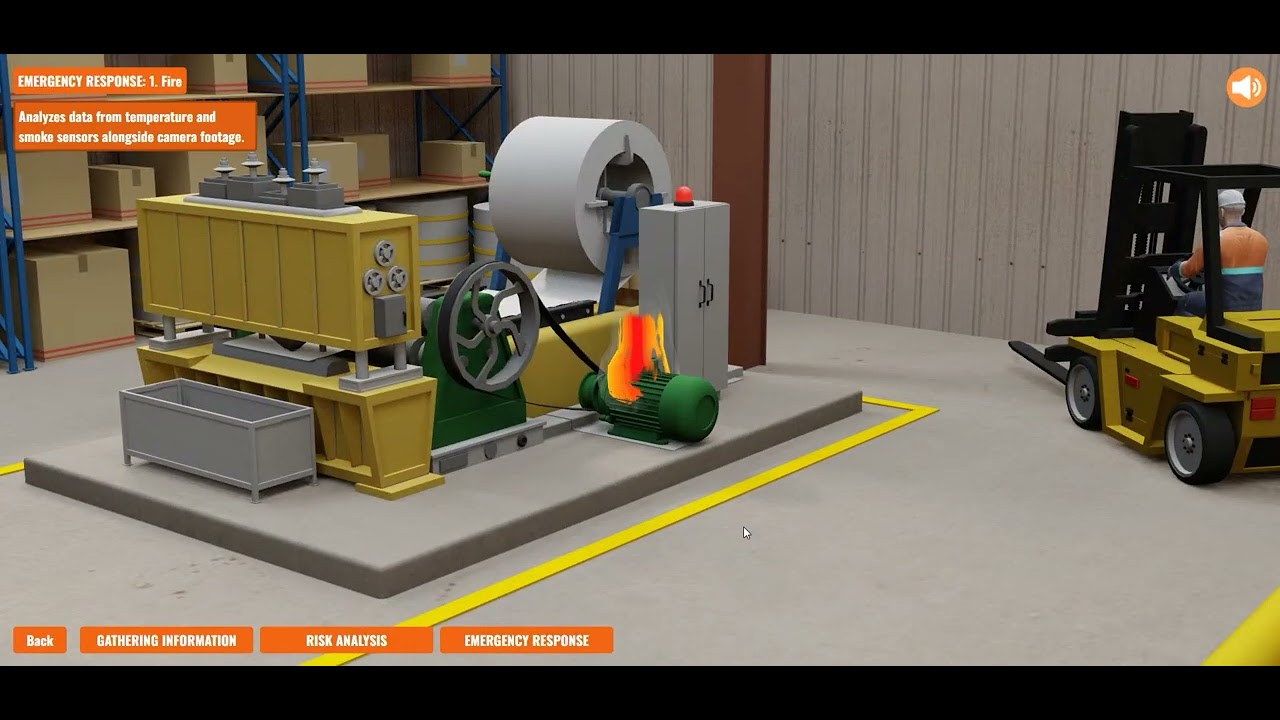
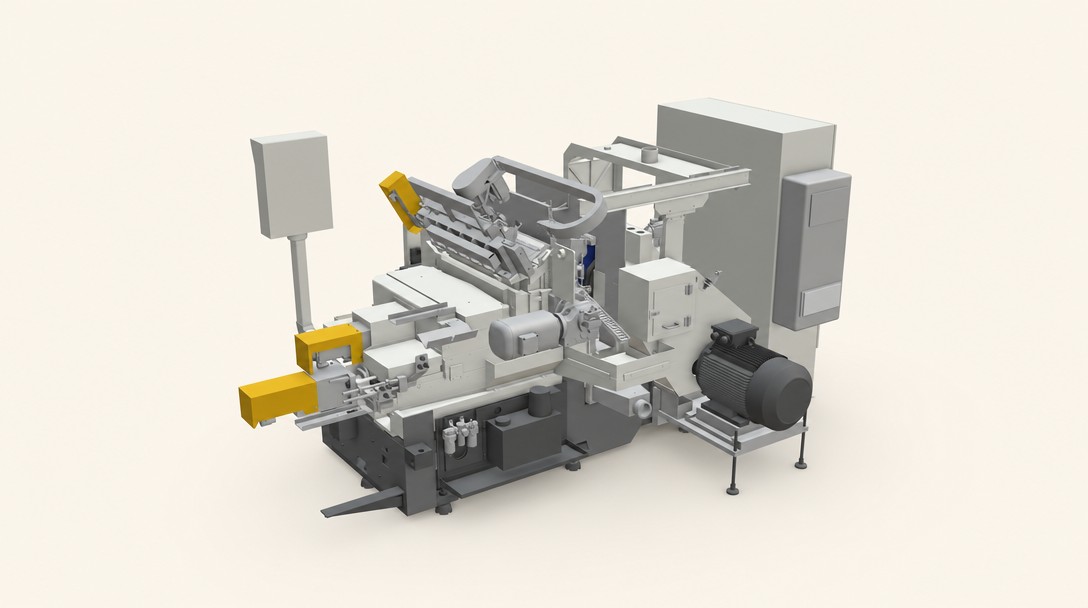
Symphony Imaging: On-stand 3D assembly display
Client: Symphony Imaging Services: Interactive 3D, Assembly instruction, On-stand display integration Duration: TBD Tech: Three.js, browser-based runtime, touch-optimised UI
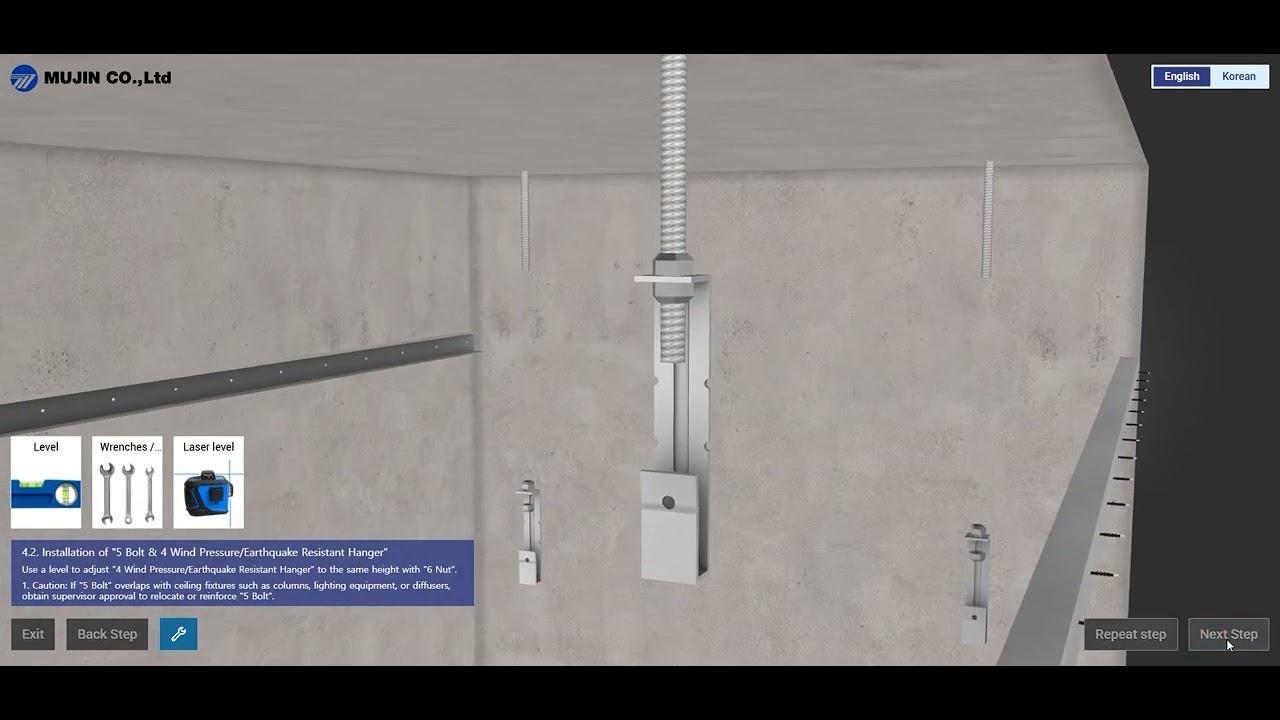
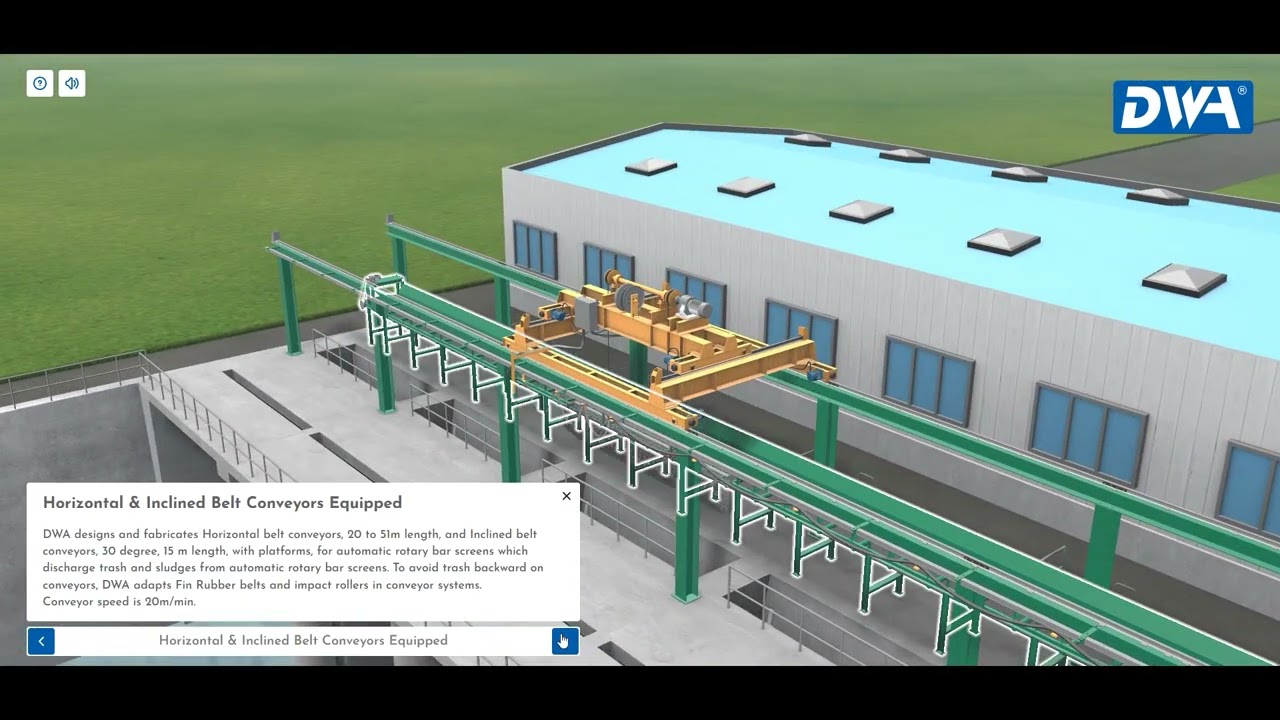
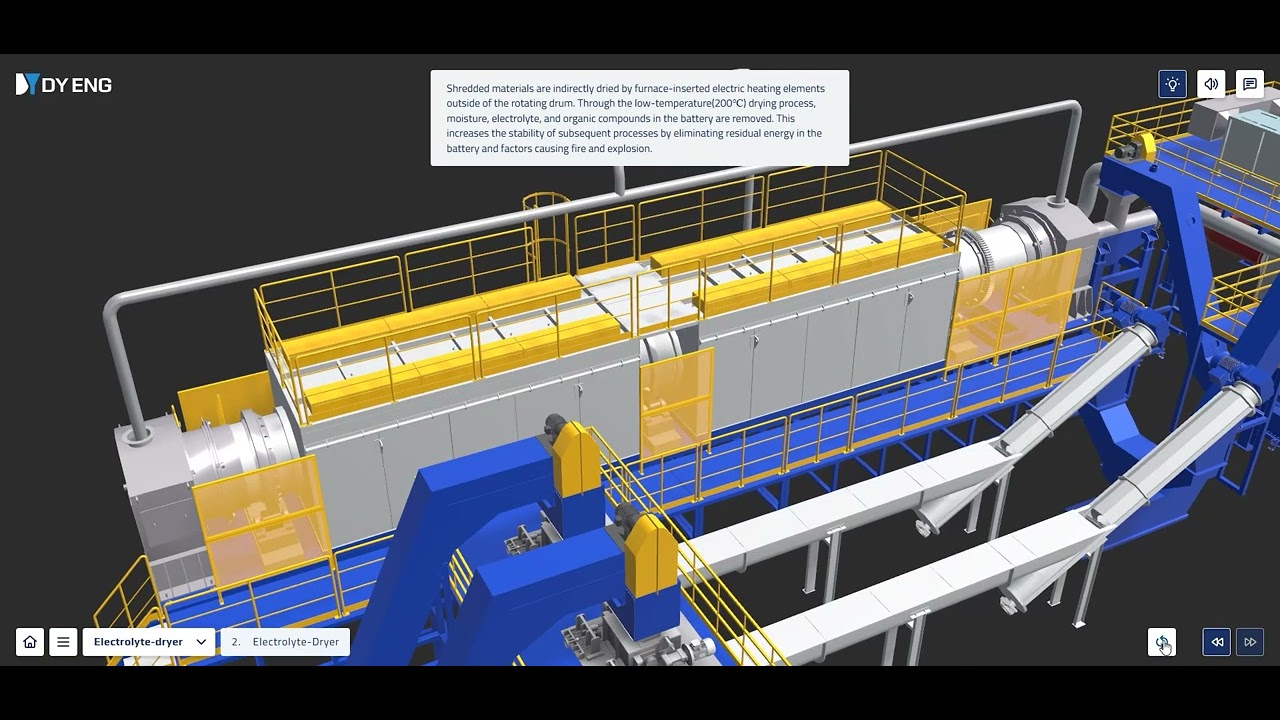
An on-stand 3D assembly-instruction display for industrial workstations. Operators learn the steps without a manual.
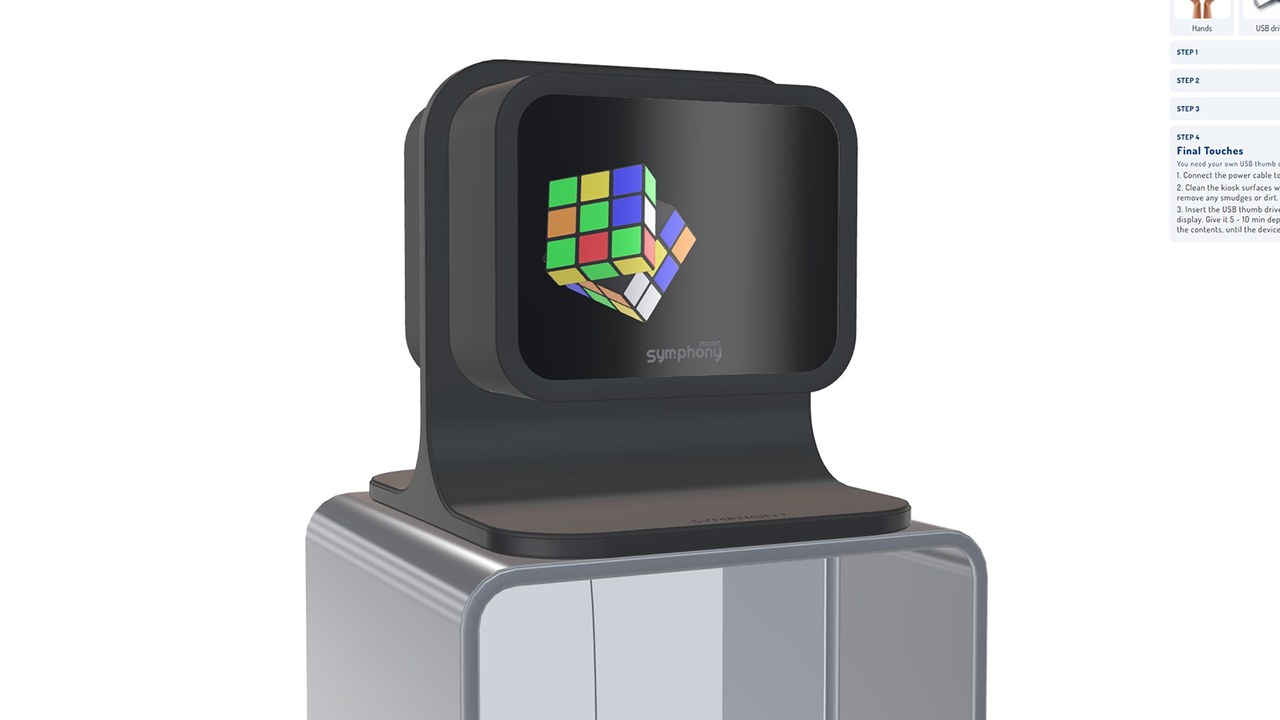
Client: Symphony Imaging Services: Interactive 3D, Assembly instruction, On-stand display integration Duration: TBD Tech: Three.js, browser-based runtime, touch-optimised UI
Symphony Imaging builds industrial assembly stations where operators put together complex products step by step. The work is hands-on, the tolerances are tight, and the cost of a wrong step is measured in scrap and rework.
The conventional reference at a station like this is a printed manual or a PDF on a shared laptop. Both interrupt the work. The operator stops, looks down, flips a page, finds the right diagram, tries to map a 2D exploded view onto a real component in their hands, and then goes back to the assembly. Every interruption is a chance to lose the place in the sequence.
Symphony Imaging wanted to replace that reference layer with a 3D display that lives on the workstation itself, at the operator's chest height, showing the next step in the assembly in real time.
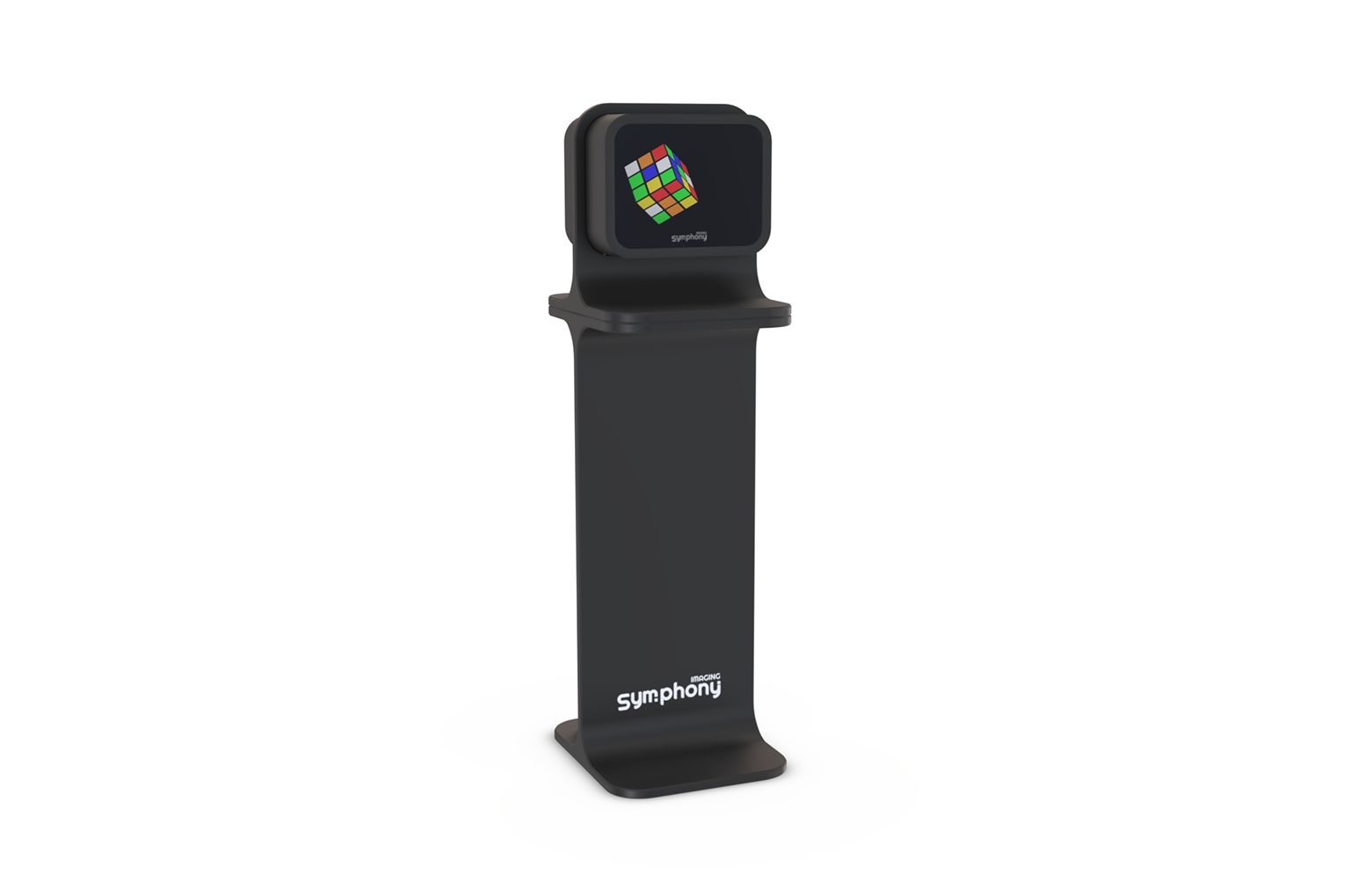
A browser-based 3D assembly-instruction display designed to run on an on-stand screen integrated into the workstation.
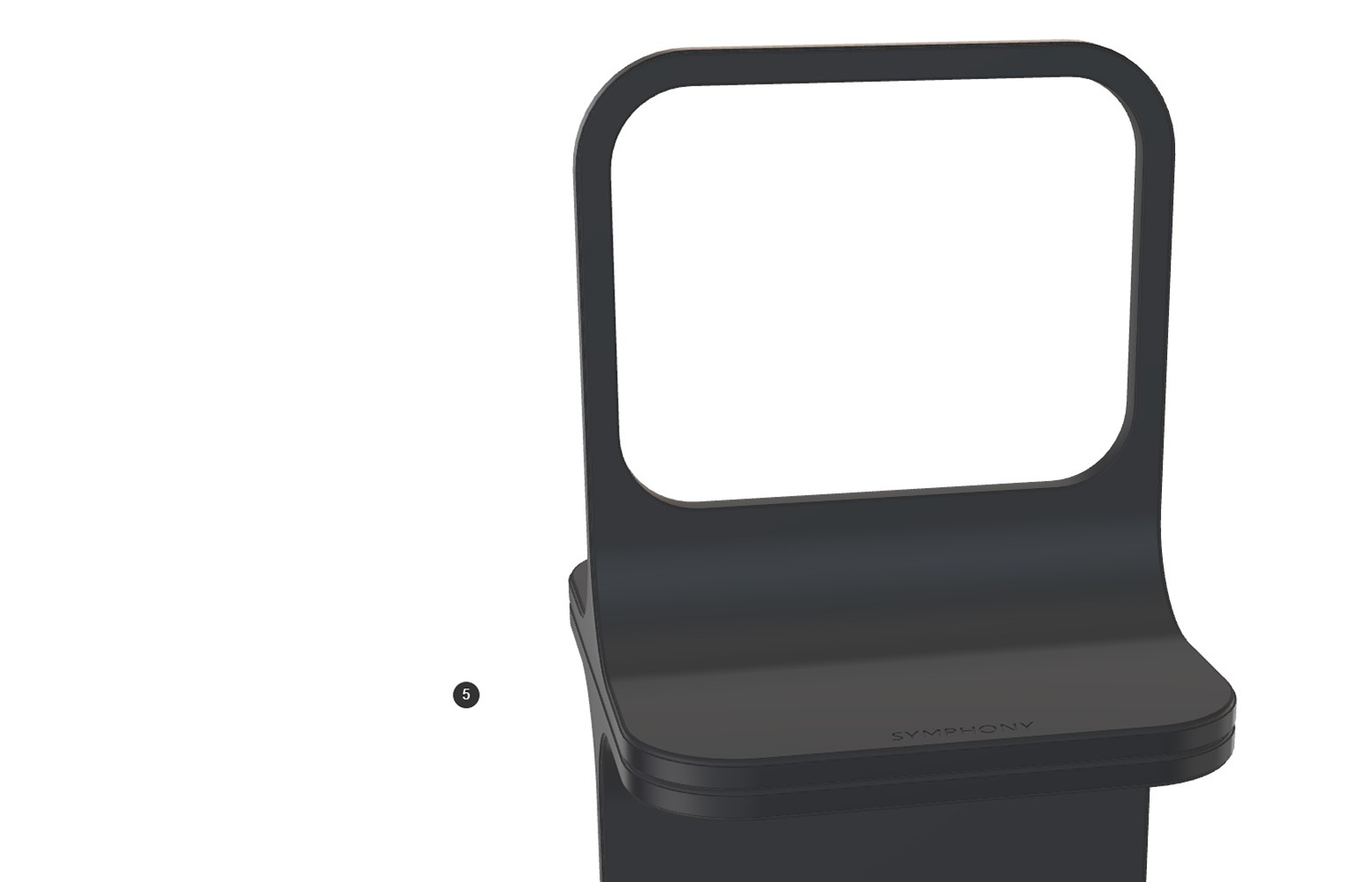
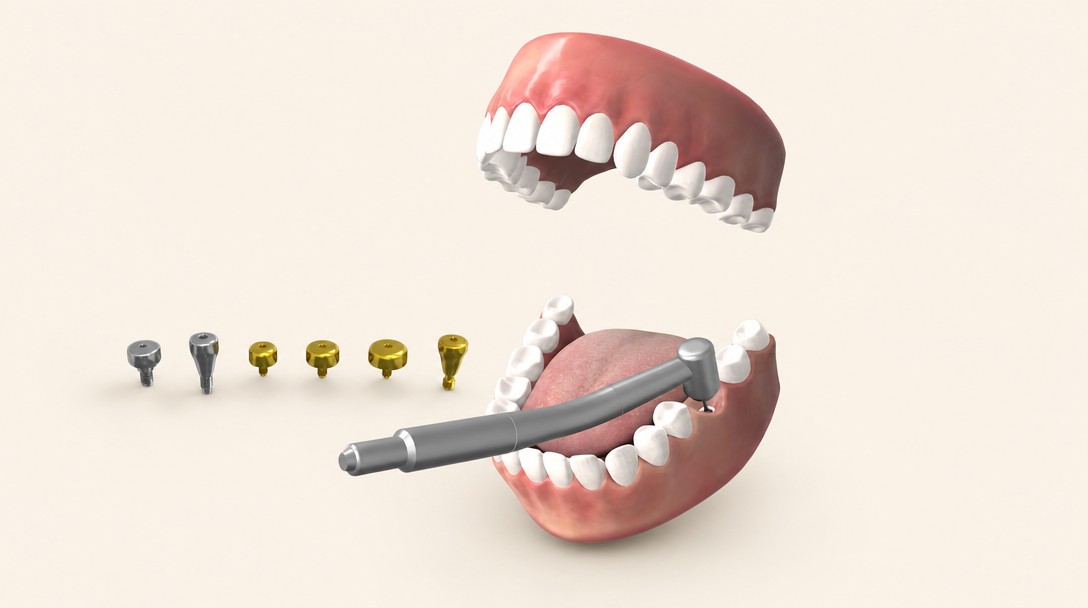
Kickoff, CAD review, and sequence documentation with Symphony Imaging's engineering team. 3D asset build from the supplied CAD. Step-state engine for advancing through the sequence and switching between assembled and exploded views. UI layer sized for the on-stand display form factor. QA on the target display hardware before handover.
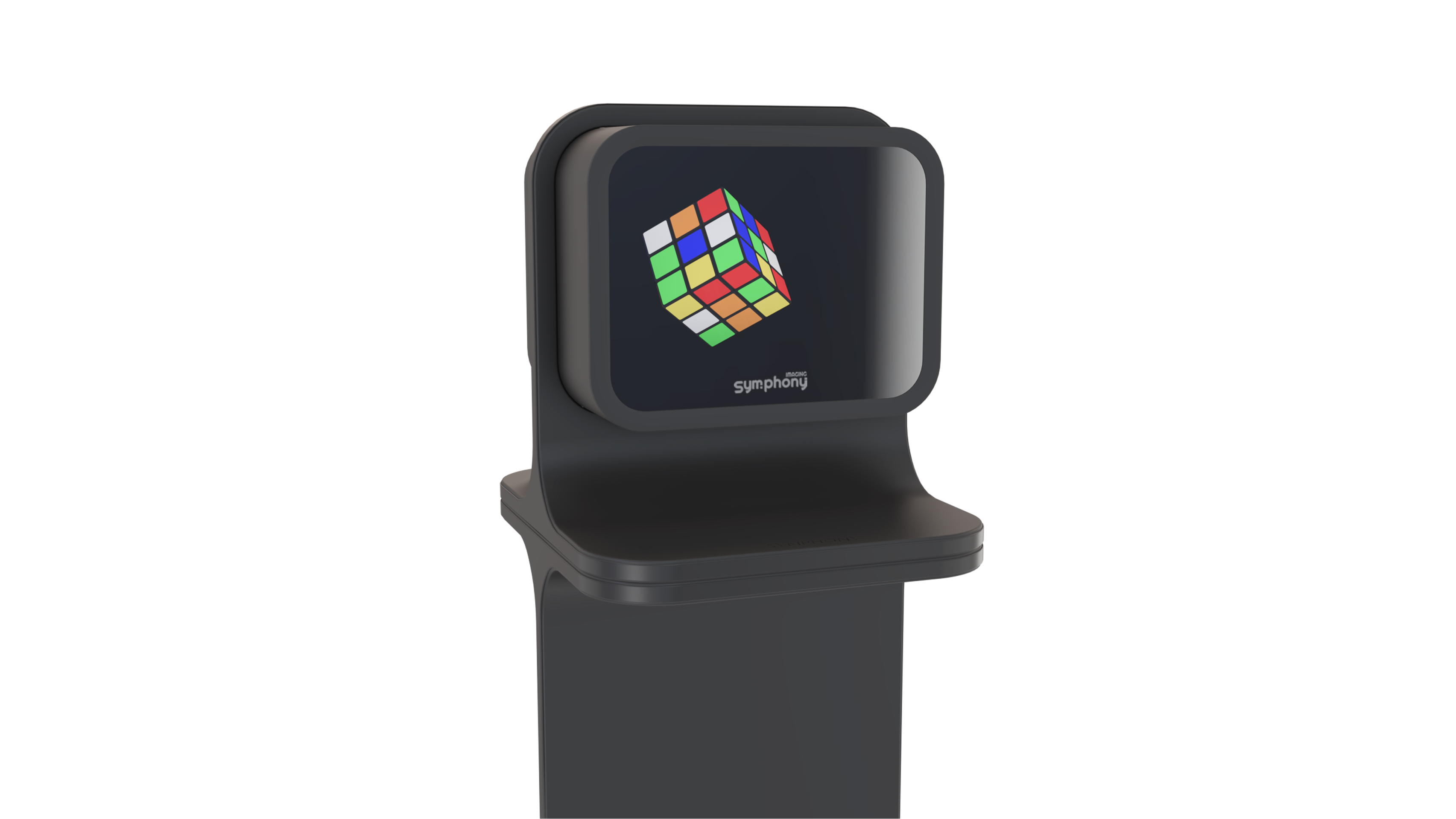
The reference layer at the workstation moved from paper to a real-time 3D display. Operators no longer break their working position to find the next step.
Concrete impact (operator throughput, error rates, training time) pending client measurement.
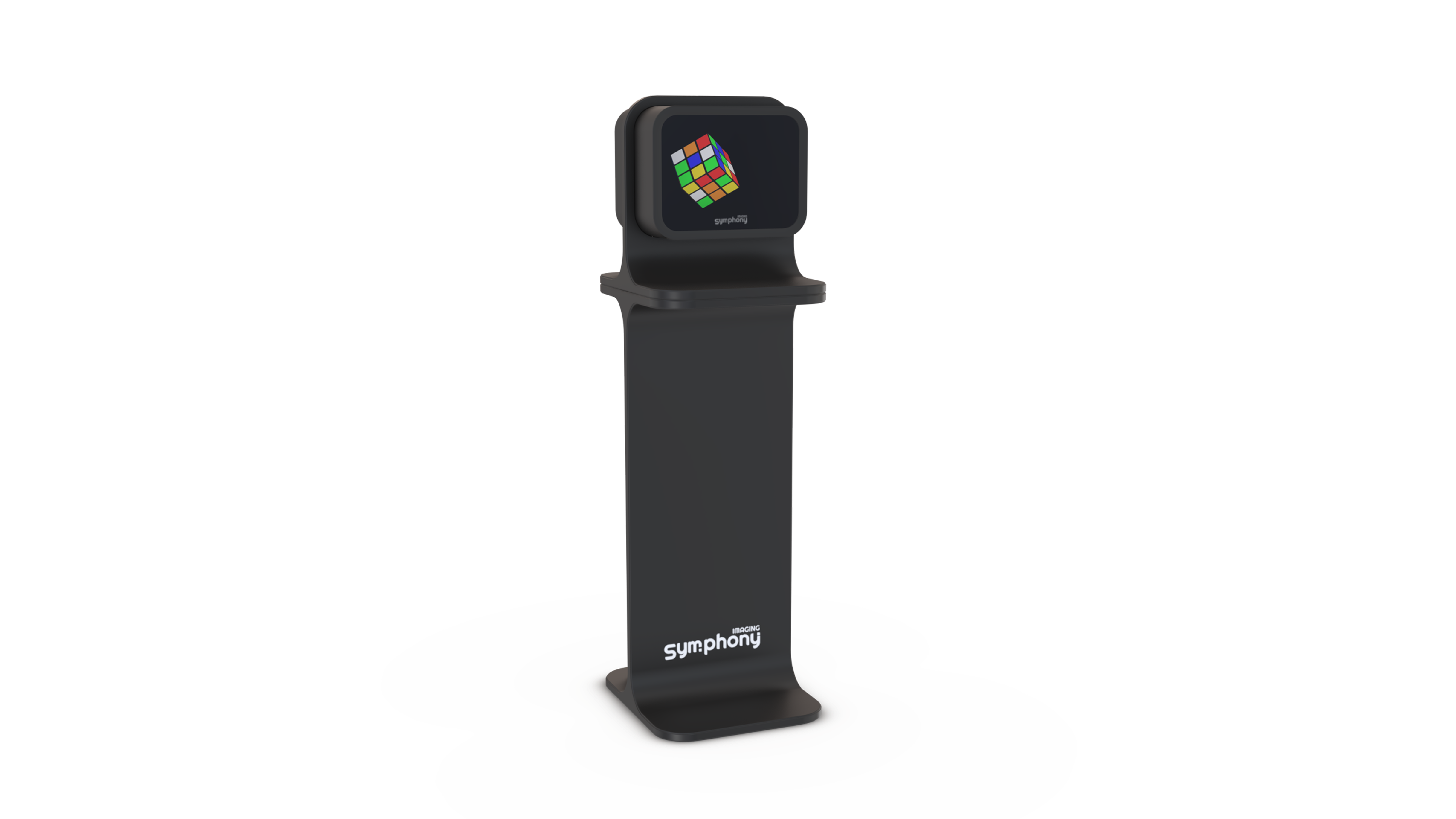
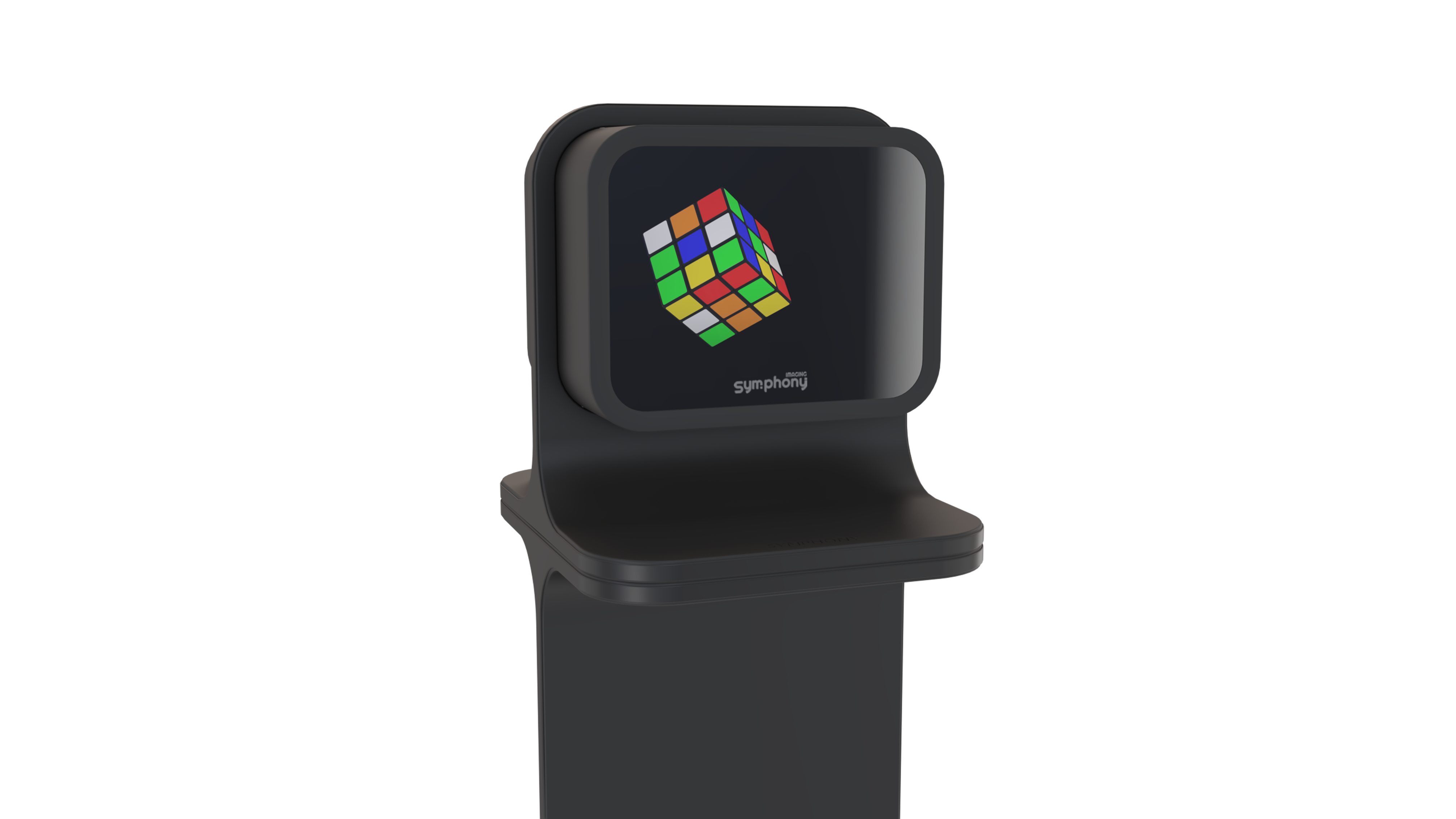
Industrial assembly, manufacturing instruction, on-stand operator reference — wherever a printed manual or a shared laptop is the bottleneck, the pattern translates.
Send a two-sentence email to info@cclemang.com.
Swipe / buttons →
Tell us what you're building. Most conversations start with two sentences.