Zion Dental: Patient education 3D
Client: Zion Ics Services: Interactive 3D, Medical education, Patient communication Duration: 8 weeks Tech: Three.js, Verge3D
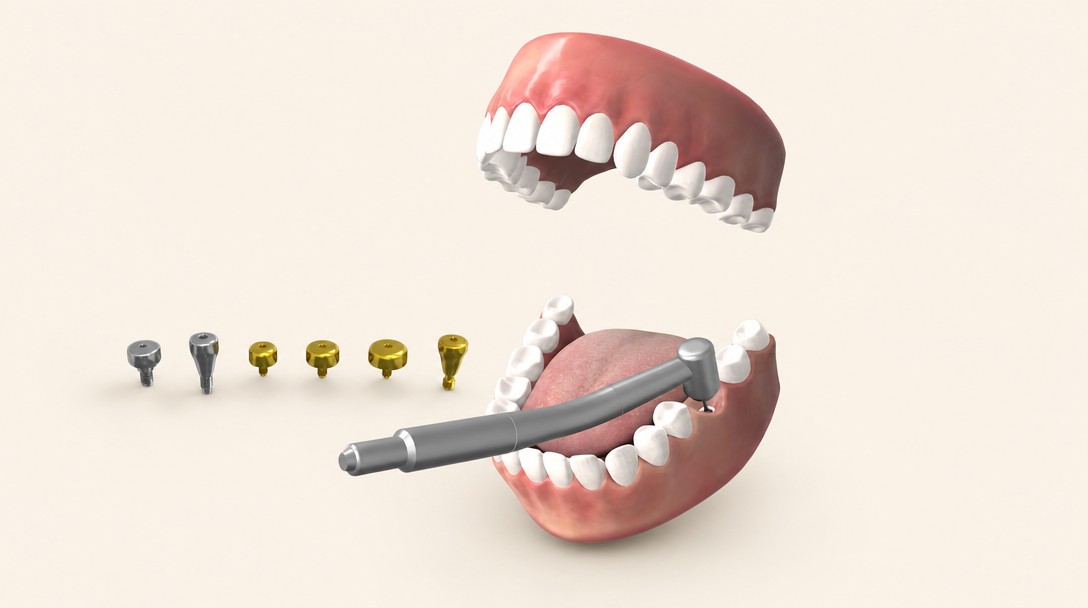
A 3D patient-education tool used during dental consults. Replaces stock-video content with brand-specific clarity.
Client: Zion Ics Services: Interactive 3D, Medical education, Patient communication Duration: 8 weeks Tech: Three.js, Verge3D
Zion Ics makes precision dental implants. They sell to two people at once: the practice installing the hardware, and the nervous patient in the chair deciding whether to say yes.
Traditional patient-education content in dentistry is stock-video-tier: generic animations from medical-content libraries that dentists license by subscription. The content is fine, but it's the same content every dentist uses. Zion wanted their practices to have a branded, Zion-specific 3D explainer. Something distinctive on a dentist's tablet during a consultation, something that demonstrated the specific Zion implant procedure, and something that would help a nervous patient say yes to treatment.
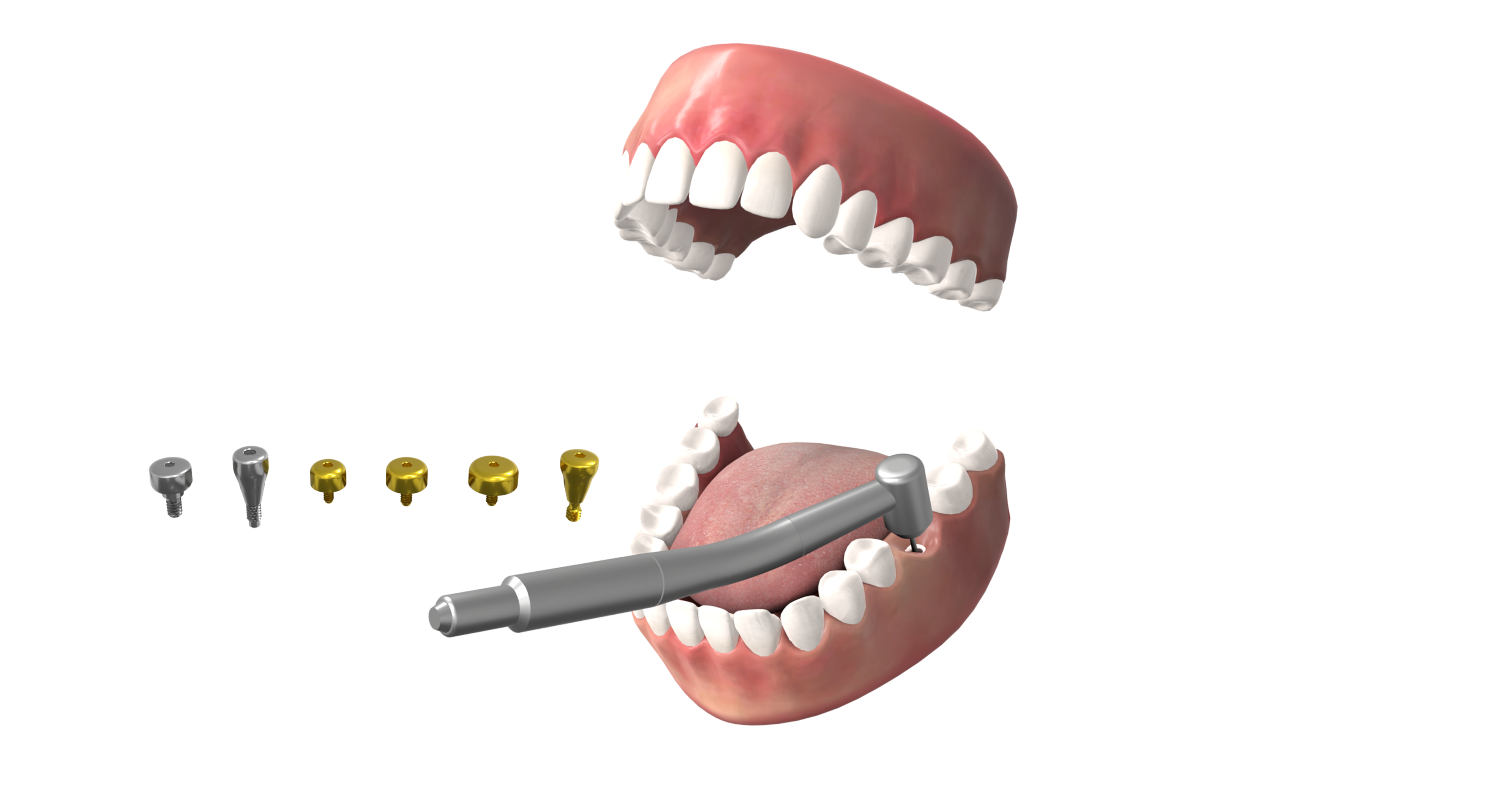
A browser-based 3D patient-education tool, designed for use on a dental-office tablet during consults.
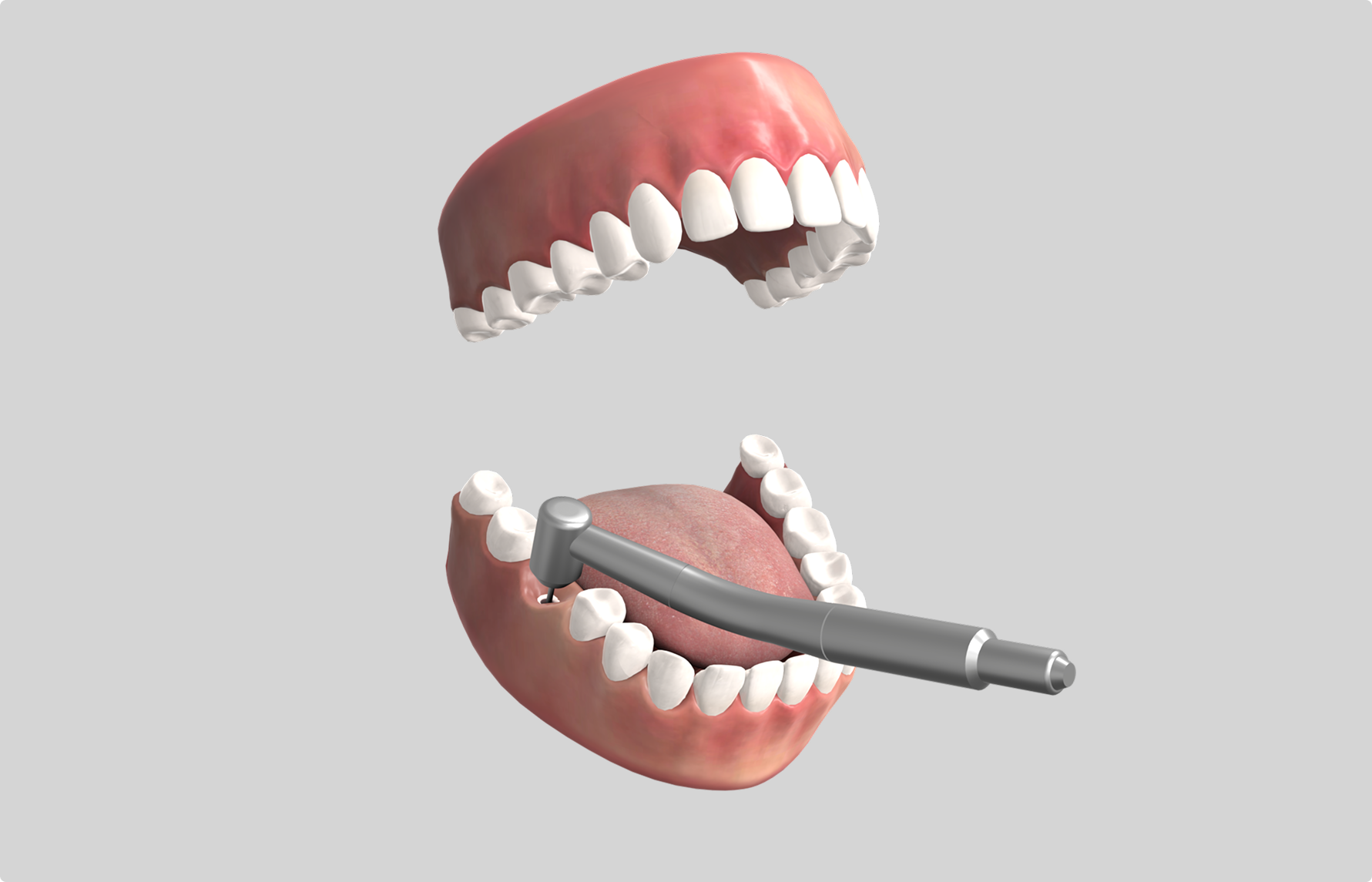
Weeks 1–2. Kickoff, clinical accuracy review with Zion's dental advisors. We did not build medical content without clinical sign-off at every stage.
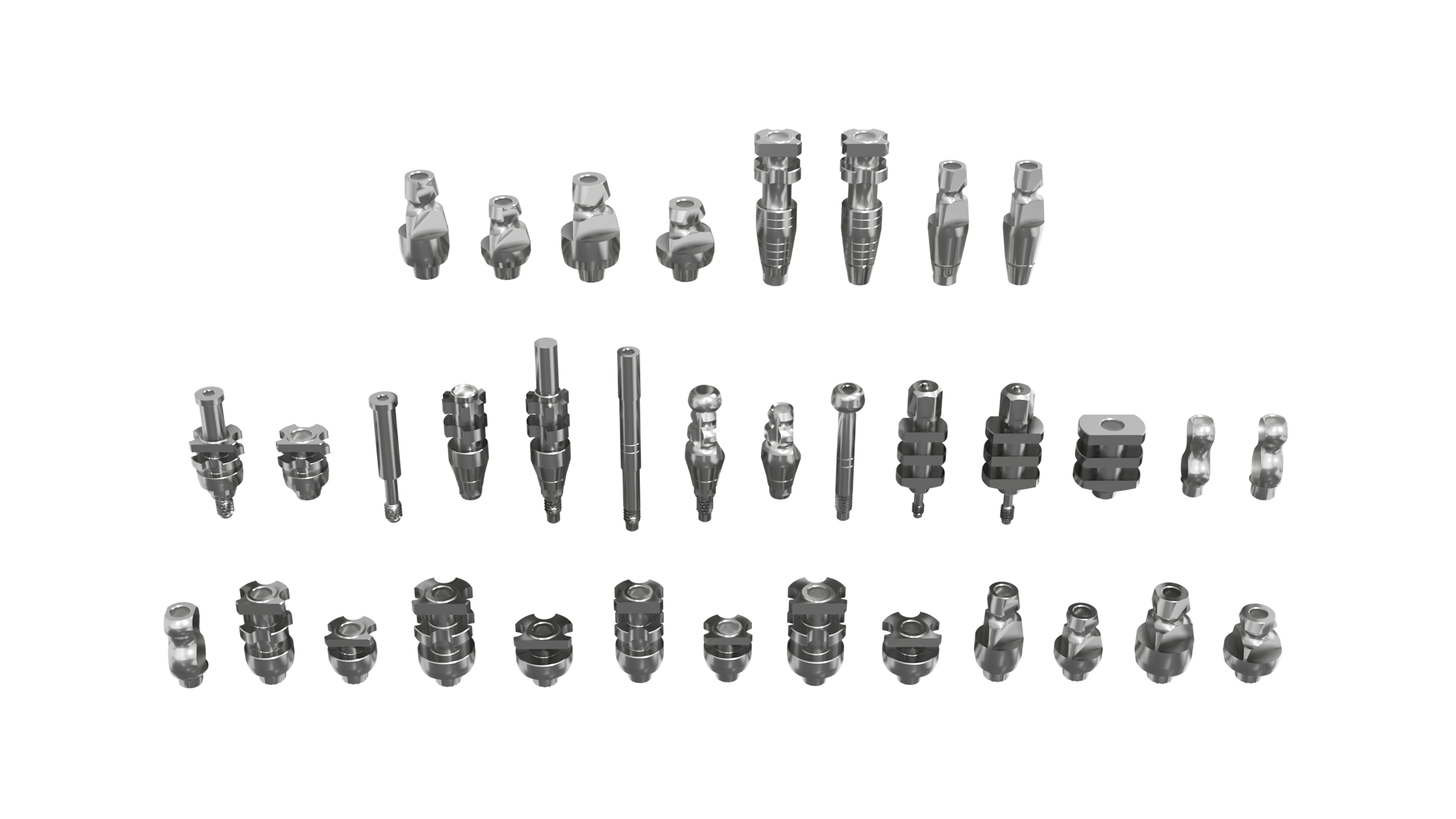
Weeks 3–4. 3D asset build. Jaw anatomy, implant hardware, surrounding tissue. Medical-accuracy review at end of week 4.
Weeks 5–6. Procedure sequencing and annotation layer. Dentist-facing UI design. First clinical review.
Week 7. Brand integration, post-op care module, performance tuning.
Week 8. Tablet deployment testing, dentist training materials, launch.
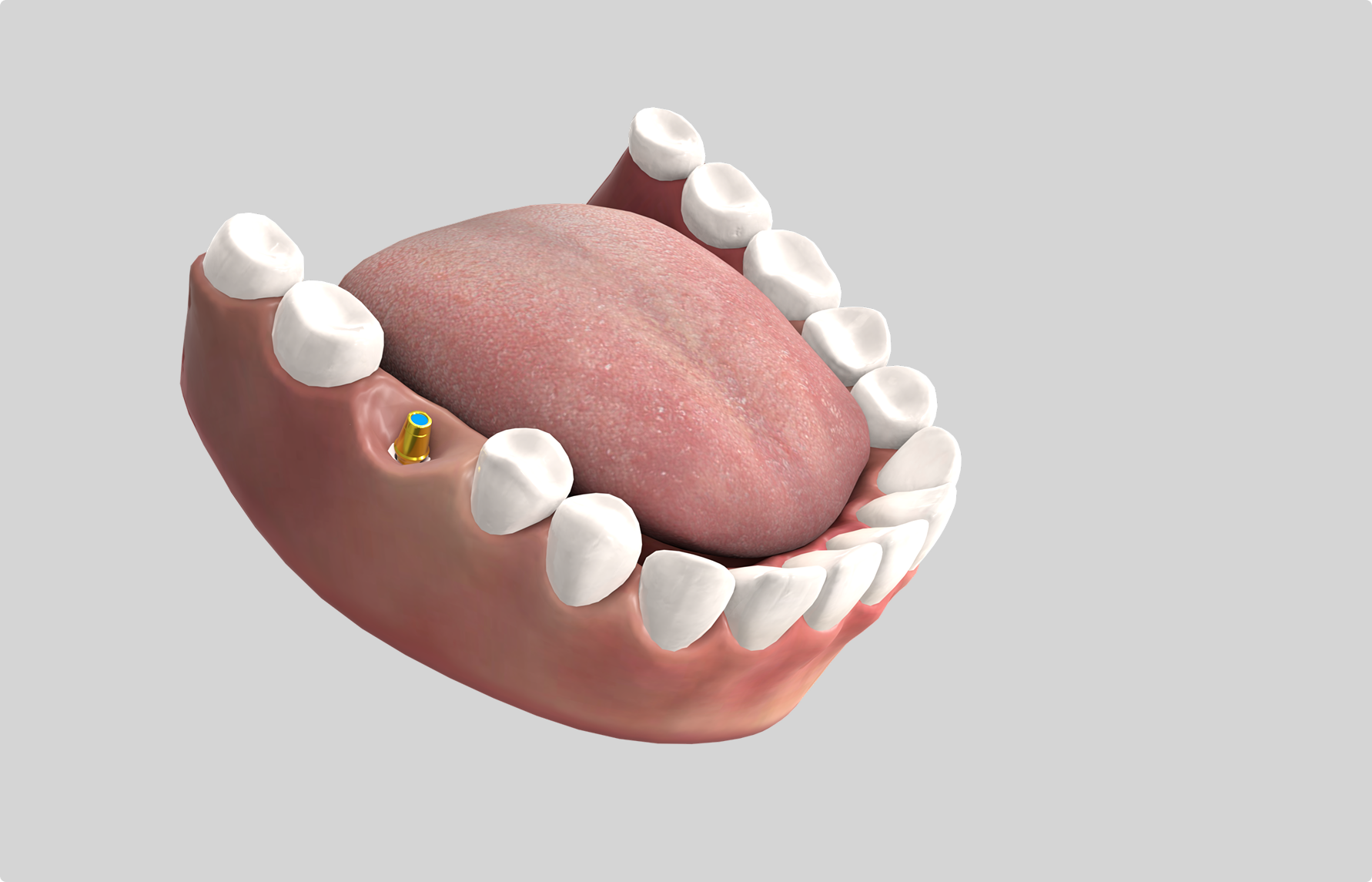
Zion's partner dental practices use the tool on chairside iPads during implant consultations. It replaced the licensed stock-video library that had previously played on the same devices. Dentists now walk patients through the specific Zion implant geometry, the placement sequence, and the osseointegration timeline using one consistent visual asset across every clinic.
The tool is also handed to dental staff during onboarding, shortening the time a new hire needs before they can field a patient's procedure question.
iPad WebGL has a hard ceiling on bone-density shaders. The first jaw model used a subsurface-scattering pass to read like real bone under the chairside lamp. It dropped the 2020 iPad to 22 fps the moment the camera moved. We rebuilt the bone shader as a baked normal map plus a single specular term. Visually almost identical at chairside viewing distance, well inside the 60 fps budget. Clinical settings are a constrained device target; budget early.
Dentist-paced interaction beats auto-play. Early drafts had auto-advancing content with timed transitions. Dentists disabled the auto-play immediately. They wanted to pause at each step for patient questions. We flipped the interaction model to dentist-controlled advancement. Engagement went up; dentist adoption went up; patients stayed more engaged because the dentist could respond to them in real time.
Post-op care is a separate module for a reason. The first version combined procedure and post-op care into one continuous flow. Dentists didn't want that. They show procedure content before the appointment and post-op content at the end. We split into two modules, each independently launchable. Immediately more useful.
Patient education, medical-device marketing, clinical training. The pattern generalizes beyond dentistry. If you make a medical device or a procedure that patients or practitioners need to understand, the tool shape works.
Send a two-sentence email to info@cclemang.com.
Swipe / buttons →
Tell us what you're building. Most conversations start with two sentences.