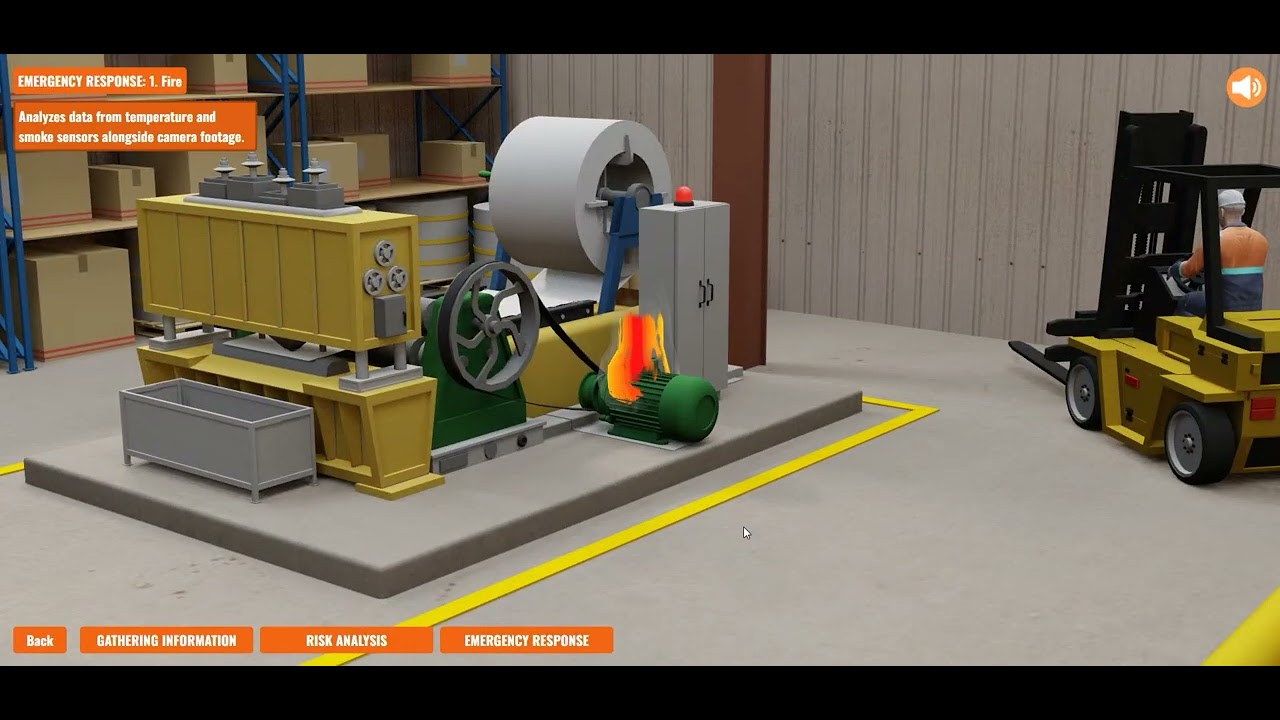
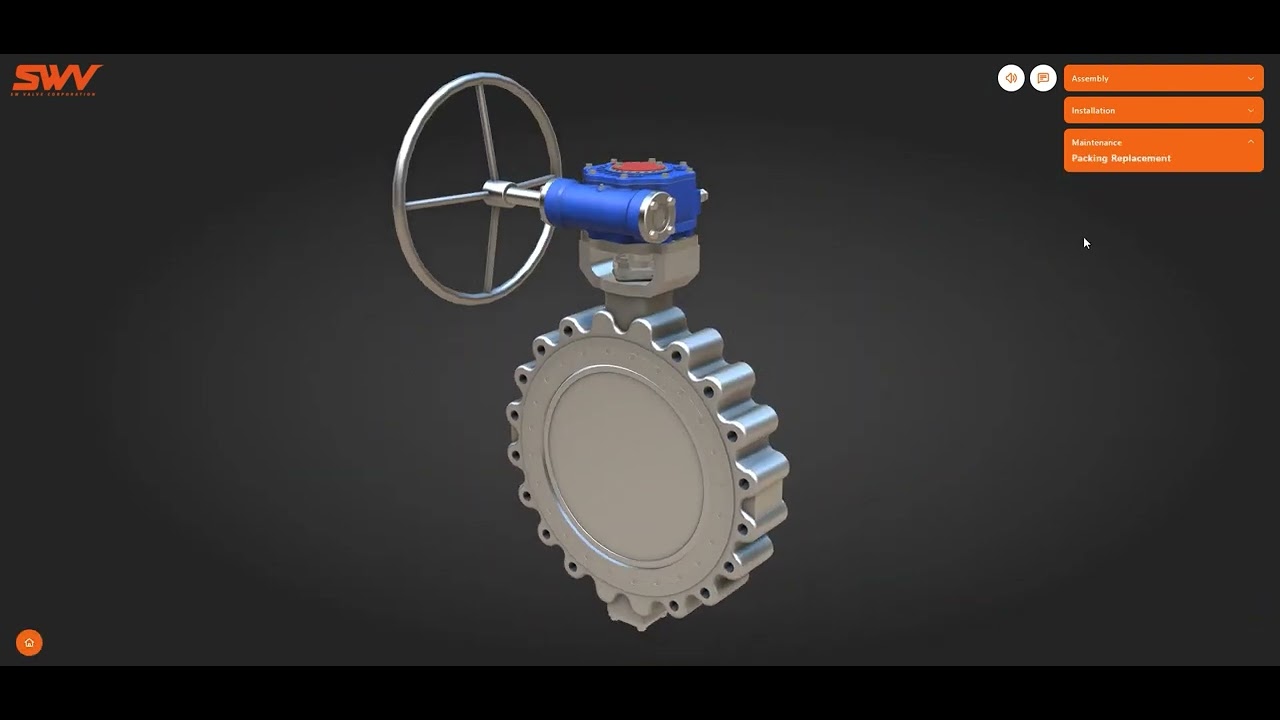
ORS Korea: CNC machine interactive presentation
Client: ORS Korea Services: Interactive 3D, Operator training, Industrial equipment presentation Duration: 12 weeks Tech: Three.js, Verge3D, responsive HTML/CSS overlay
A dual-mode interactive presentation of a precision CNC machine: sales view + operator training on one URL.
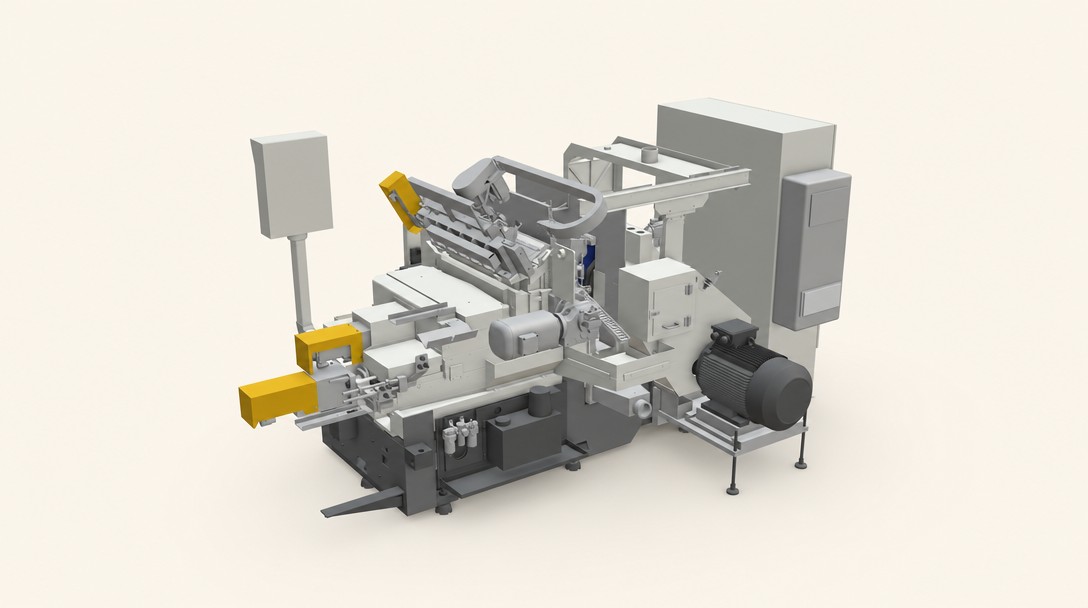
Client: ORS Korea Services: Interactive 3D, Operator training, Industrial equipment presentation Duration: 12 weeks Tech: Three.js, Verge3D, responsive HTML/CSS overlay
ORS Korea manufactures precision CNC machine tools for Korean heavy-industry clients. Aerospace machining, automotive components, industrial tooling suppliers. Their machines are expensive capital investments ($200K–$2M per unit), and the sale cycle combines two phases that have different audiences: an initial commercial conversation with a procurement team, and a subsequent technical conversation with the operators who will actually use the machine.
The existing sales material served the commercial conversation reasonably well. Glossy brochures, spec sheets, product photography. It failed the technical conversation. Operators wanted to understand the machine's mechanics: the tool-holder turret, the axis assemblies, the cutting head, the service access patterns, the maintenance cycles. None of that came through in a brochure.
The request: a browser-based interactive 3D presentation that could serve both the sales-pitch and the operator-training audiences, without requiring two different deliverables.
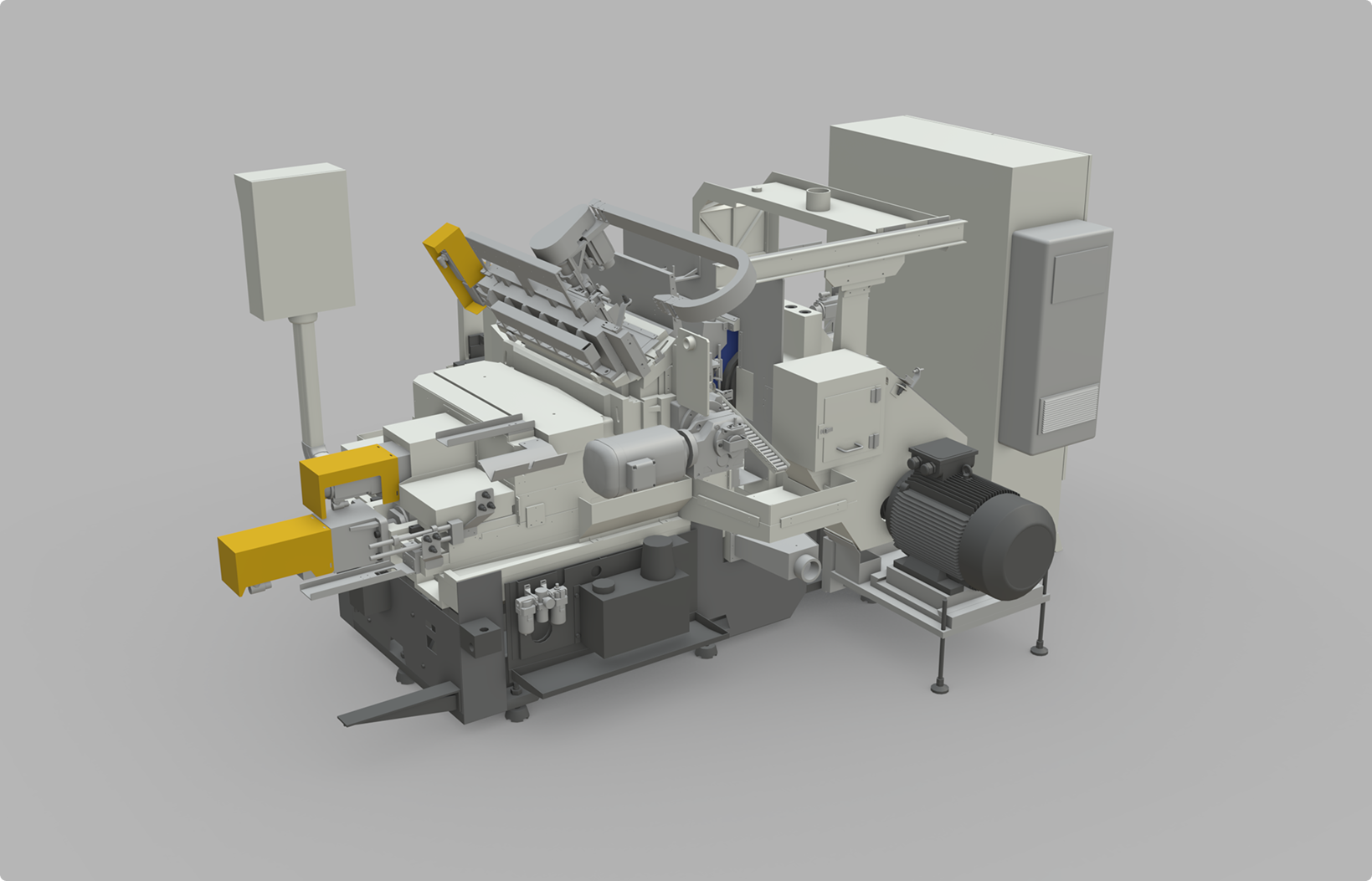
A browser-based interactive walkthrough of ORS Korea's flagship CNC machine, designed to work for both audiences from a single URL.
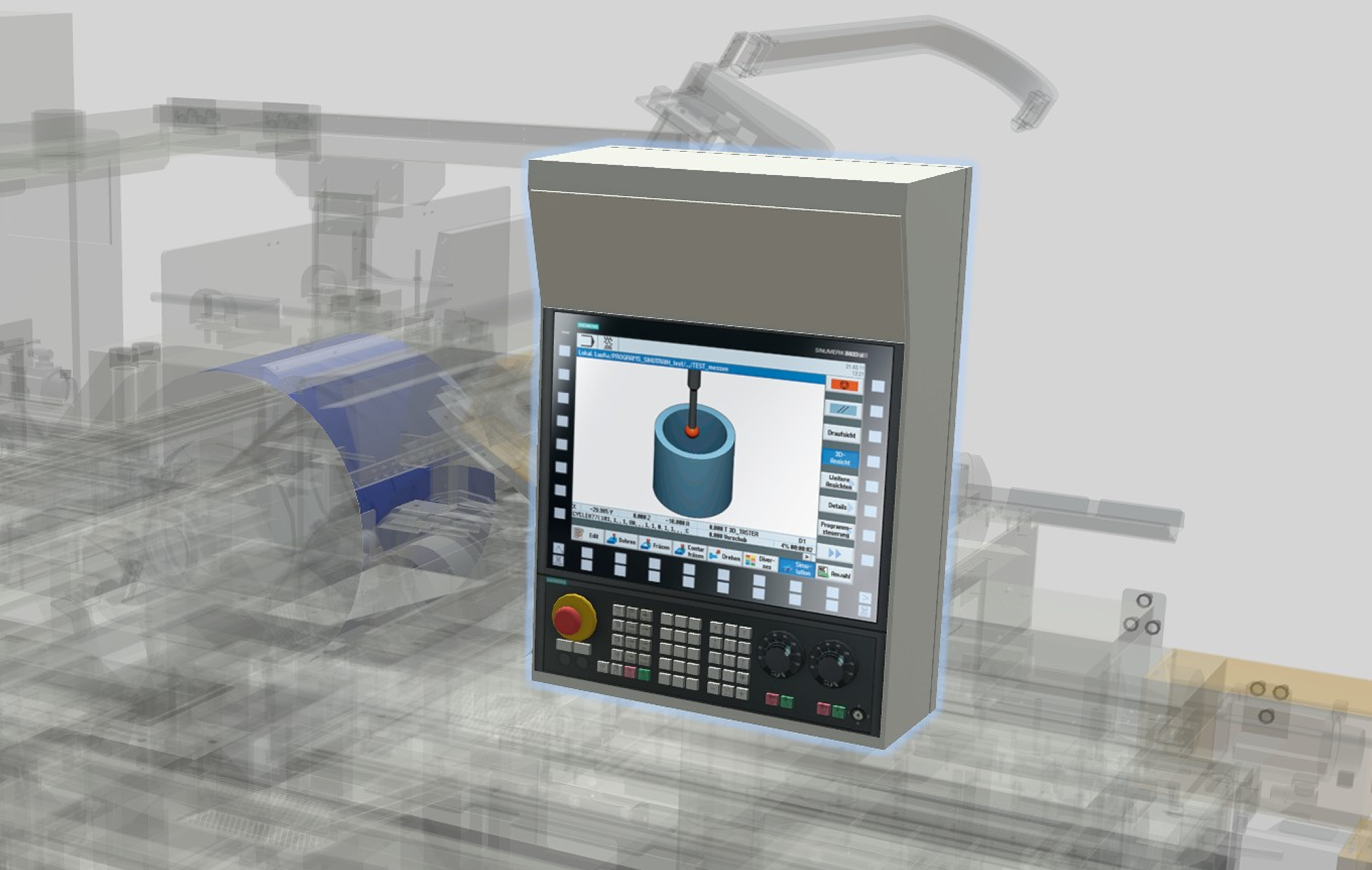
Weeks 1–2. Kickoff, audience mapping (sales vs operator training), CAD review.
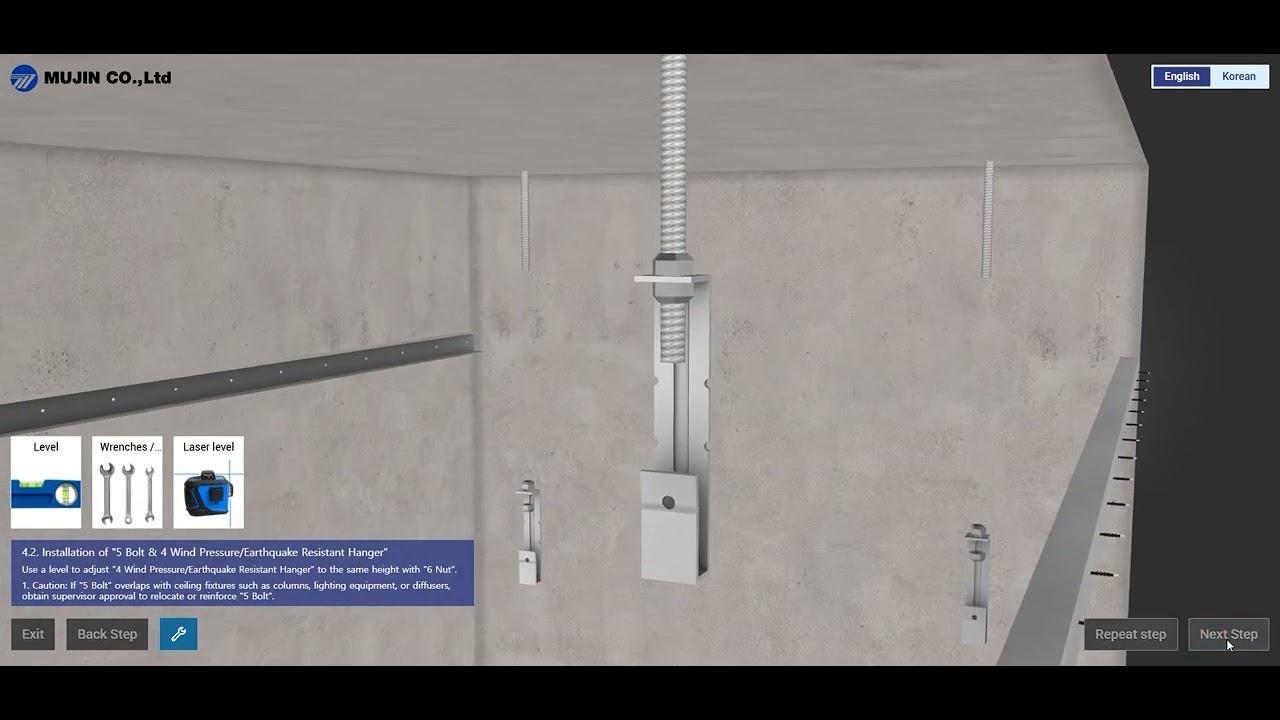
Weeks 3–5. CAD conversion and optimization. The supplied CAD was engineering-grade. Way too dense for browser delivery. We rebuilt the geometry from scratch in places where retopology was cleaner than decimation.
Weeks 6–7. Base 3D scene, lighting, material work. First build on staging at end of week 7.
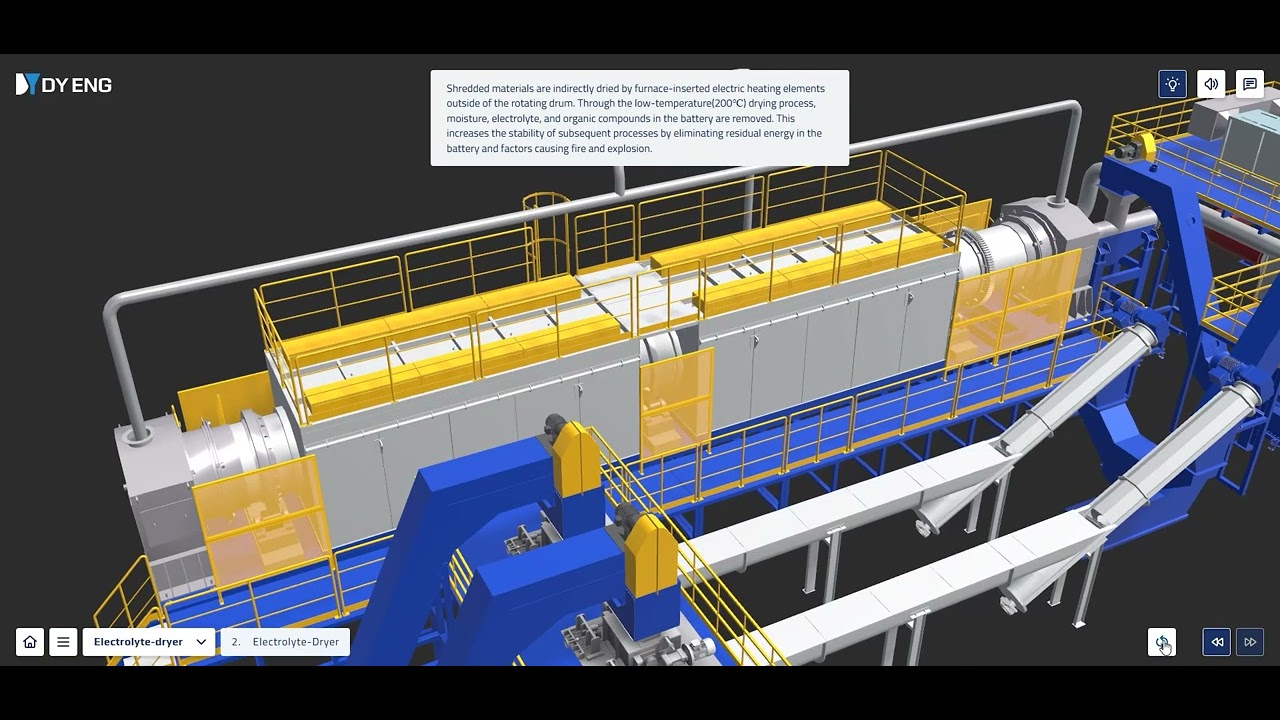
Weeks 8–9. Scripted walkthrough. Camera choreography, annotation layer, narrative overlay. Free-roam toggle and operator-training-mode UI.
Weeks 10–11. Copy pass (English primary; Korean secondary was descoped to a future version for budget reasons), client review, revisions.
Week 12. Performance tuning on typical ORS Korea sales-rep hardware (mid-range laptops), launch, sales-team training.
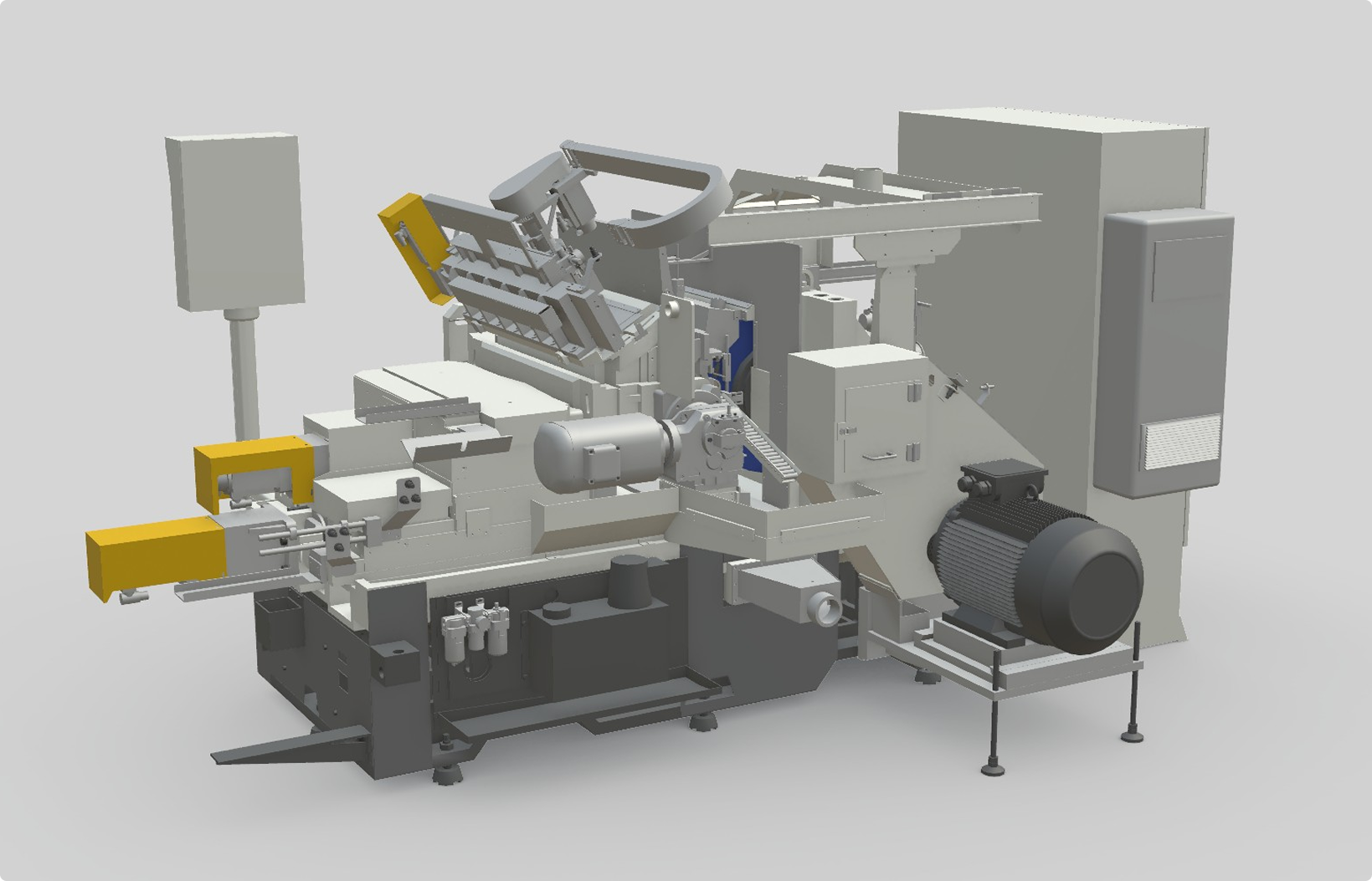
ORS Korea's sales team replaced the opening fifteen minutes of most technical pitches with the interactive presentation. Prospects who went through the tool before the second call showed up more informed, with sharper technical questions, and with shorter decision cycles.
Dual-audience 3D tools need explicit mode switching. Early versions tried to serve both audiences simultaneously with a single UI. The sales reps found it too cluttered; operators found it too shallow. The mode-switch toggle (sales presentation vs operator training) solved both problems by giving each audience the UI they wanted.
CAD from engineering teams is almost always wrong for the web. CAD files carry dozens of layers of detail (internal threading, bolt patterns, tolerance indicators) that nobody needs in a browser presentation. Decimation alone produces ugly results. Rebuilding from scratch takes longer up front but delivers better quality at a fraction of the file size. That trade-off has held on every subsequent CNC / precision-machinery project we've run.
Annotation hotspots are the most-used feature. Sales reps initially wanted to demo the scripted walkthrough. Operators went straight for the hotspots. Within a month, the sales team was also clicking through hotspots instead of running the scripted walkthrough. The hotspots-as-primary-navigation pattern now informs how we design most industrial-equipment presentations.
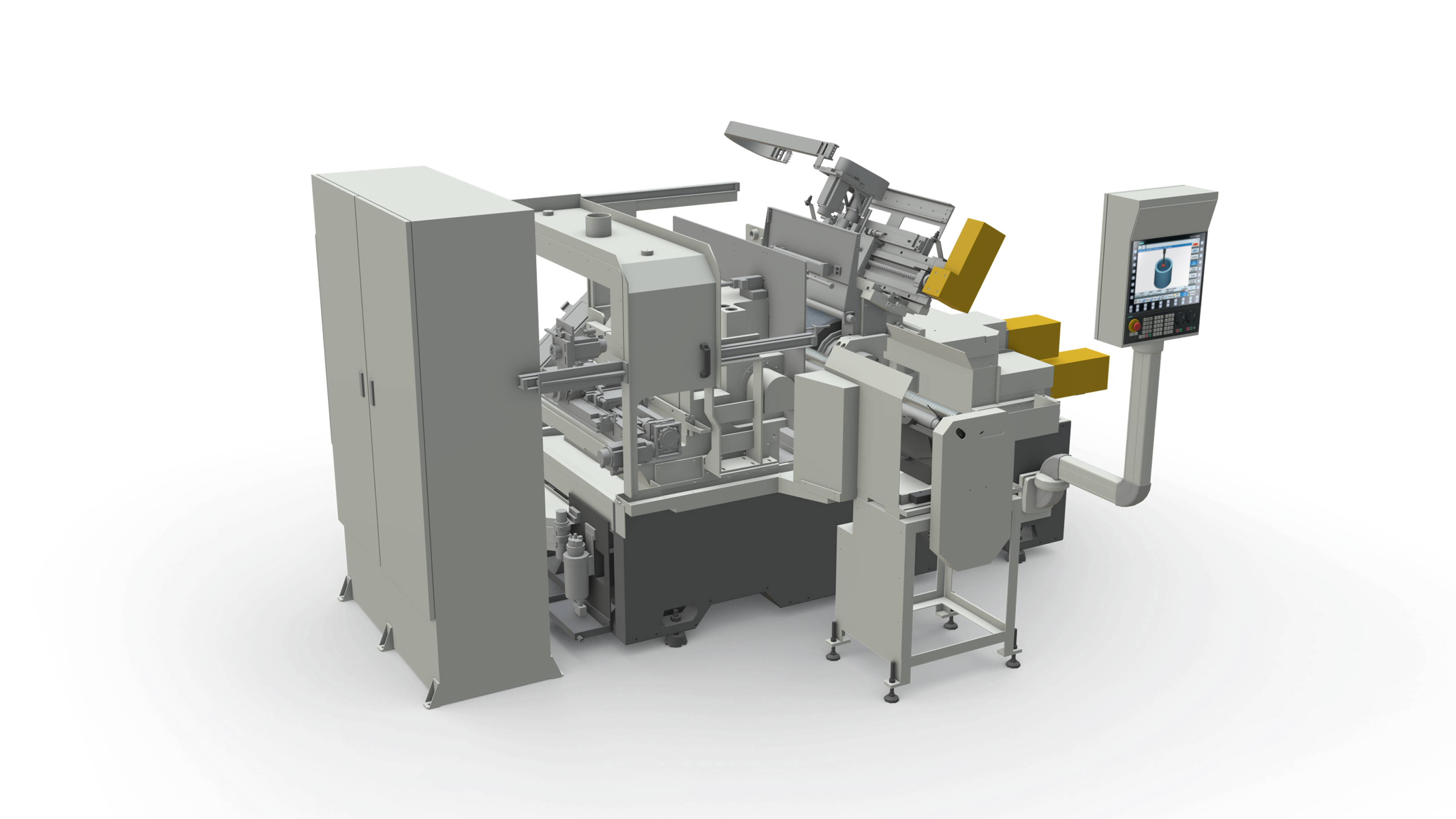
Industrial equipment, machine tools, complex capital products that need to serve both sales and operational-training audiences. The dual-mode pattern works. If you sell a machine that costs more than $100K per unit and requires technical training post-sale, the same architecture applies.
Send a two-sentence email to info@cclemang.com.
Swipe / buttons →
Tell us what you're building. Most conversations start with two sentences.