KBIC: Facial skin needle roller
Client: KBIC Services: Interactive 3D, Consumer product demo, Usage walkthrough Duration: 6 weeks Tech: Three.js, Verge3D, responsive mobile-first UI
A mobile-first 3D product demo with cross-section views justifying premium positioning against cheap imitations.
Client: KBIC Services: Interactive 3D, Consumer product demo, Usage walkthrough Duration: 6 weeks Tech: Three.js, Verge3D, responsive mobile-first UI
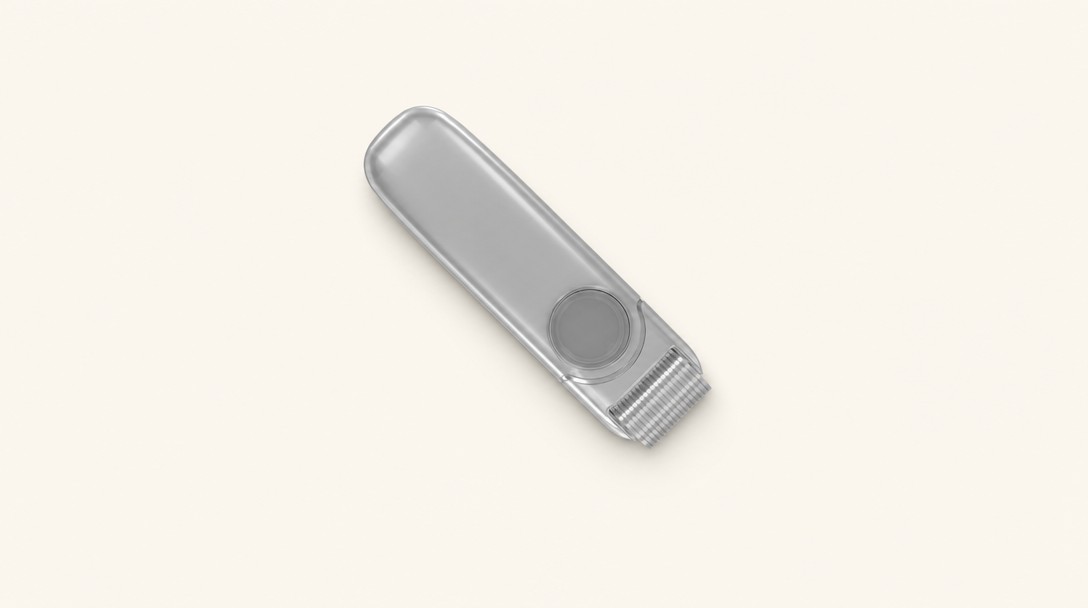
KBIC manufactures facial skin needle rollers (a consumer beauty / cosmetology tool that combines precise engineering with a direct-to-consumer sales motion. The product looks simple from the outside; its value is in the internal construction) the density of micro-needles, the rotation mechanism, the skin-contact geometry, the specifics that differentiate a medical-grade tool from a cheap imitation.
Static product photography couldn't carry that story. A customer comparing a KBIC device to a $20 knockoff on a generic e-commerce marketplace wouldn't see the differences. And would make the decision on price.
The request: a browser-based 3D product demo that could show the device's internal construction, demonstrate the correct usage pattern on skin, and justify KBIC's premium positioning against lower-cost competitors.
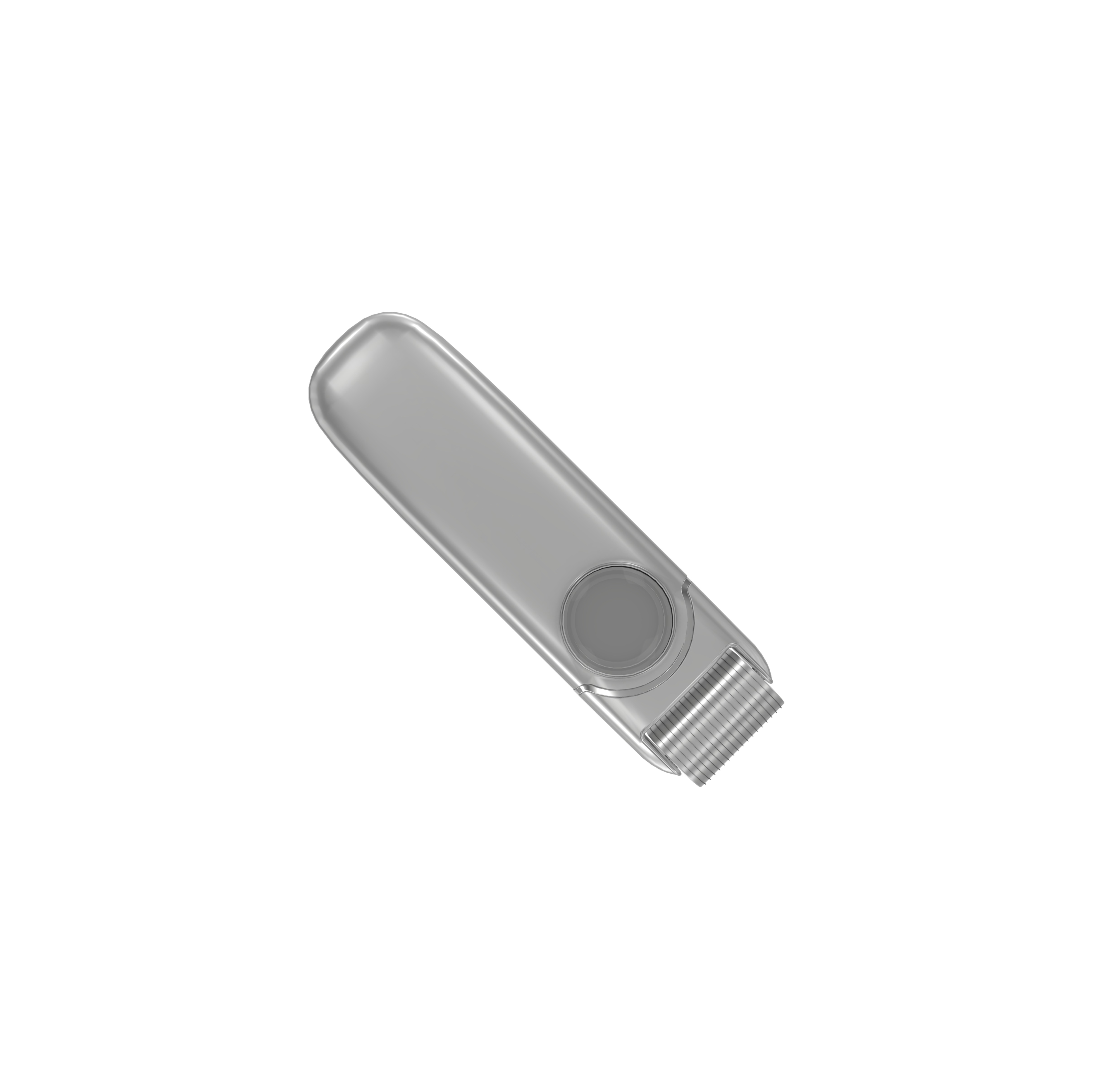
A short-session 3D demo, sized for mobile-first beauty-consumer browsing behavior, with three layered presentations.
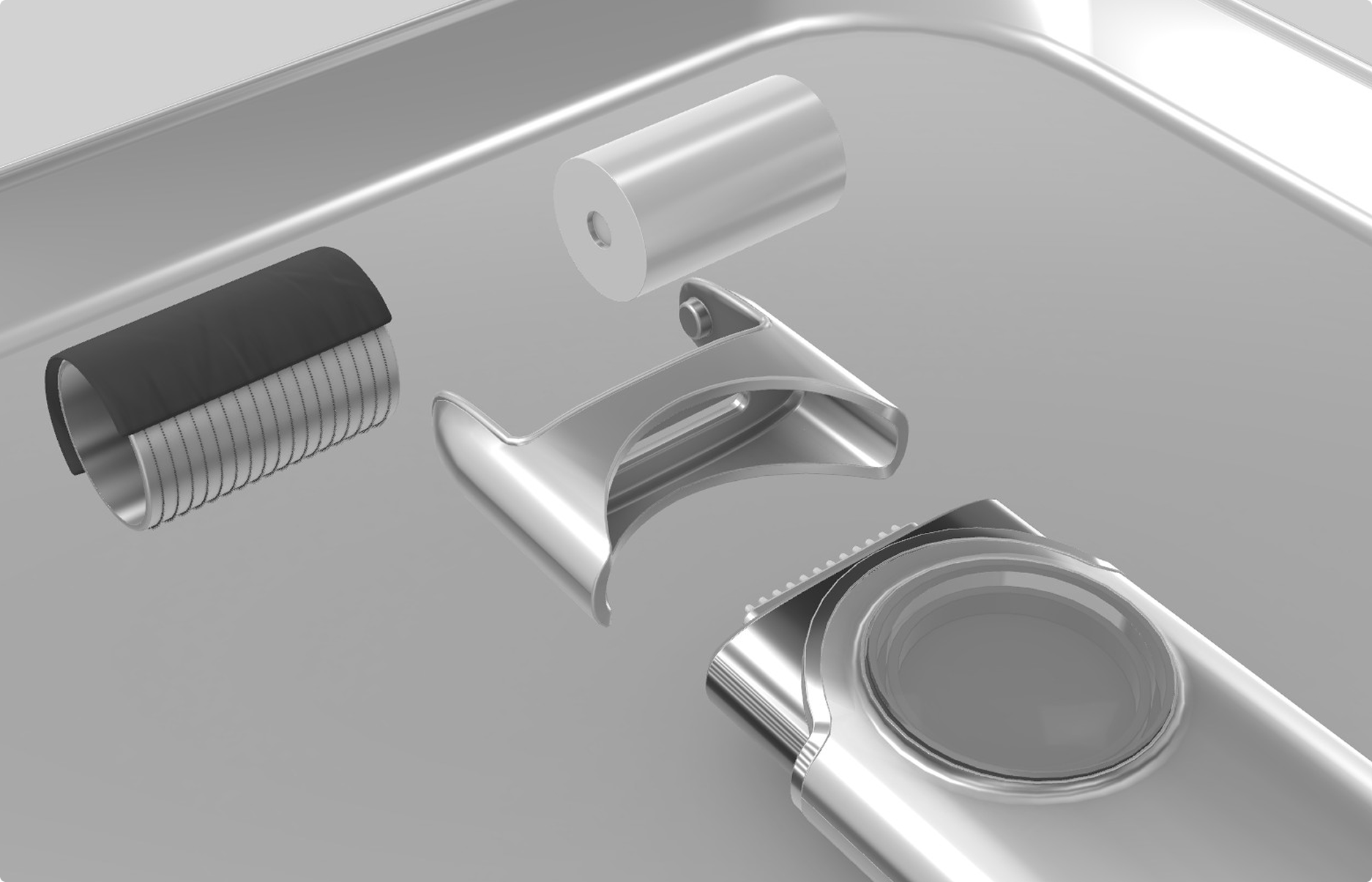
Weeks 1–2. Kickoff, CAD + reference photography review. KBIC supplied engineering drawings; we built the 3D model from scratch to match the photography tone.
Weeks 3–4. 3D asset build, material development (the device has a specific metallic finish that needed careful PBR work), cross-section animation setup.
Week 5. UI layer. Mobile-first controls, rotation gestures, cross-section toggle, usage-walkthrough trigger. Client review.
Week 6. Integration with KBIC's existing Cafe24 storefront, performance tuning for mobile, launch.
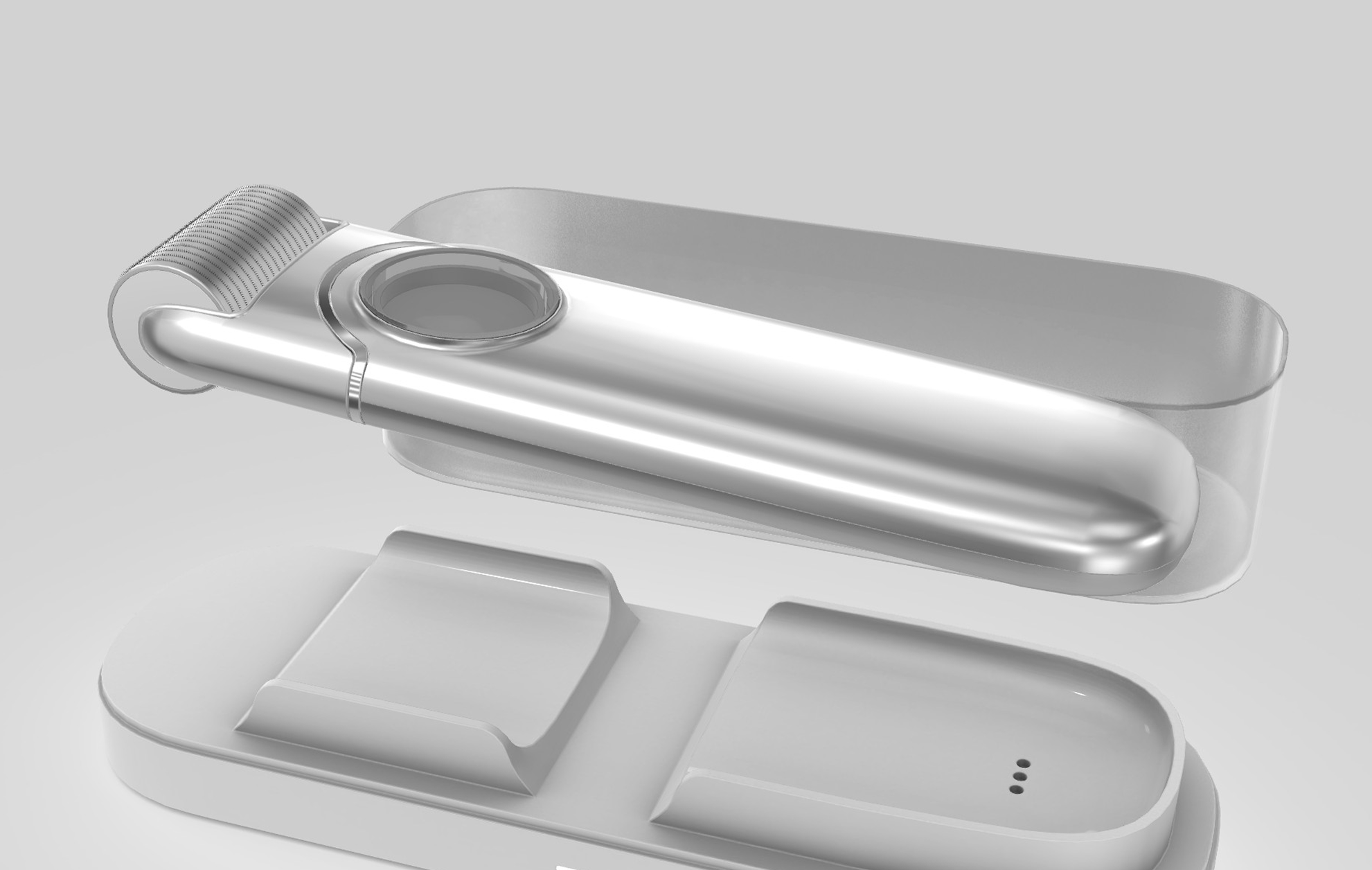
KBIC embedded the demo into their product-page experience on their Cafe24 store. Conversion rate on the featured product page improved against the baseline product photography; session time doubled.
Beauty-consumer 3D needs different polish than industrial 3D. Industrial 3D can read slightly technical, slightly utilitarian. Beauty 3D cannot. The product has to look seductive in a way that aligns with the category's visual conventions. We spent more of the budget on material and lighting work than we usually do on a comparable-scope industrial project. The delta showed up directly in the conversion numbers.
Mobile-first means mobile-first, not mobile-afterthought. 80% of KBIC's traffic is mobile. We built the 3D presentation primarily for portrait orientation on a phone, then adapted to desktop (the opposite of our typical workflow. The controls, the fonts, the cross-section toggle, the usage-walkthrough trigger) all designed for one-thumb operation.
Technical differentiation requires technical visualization. The cross-section view was the single most-effective persuasion element. It's the thing that distinguishes a $60 KBIC device from a $20 generic device. Photography can't do that. 3D can.
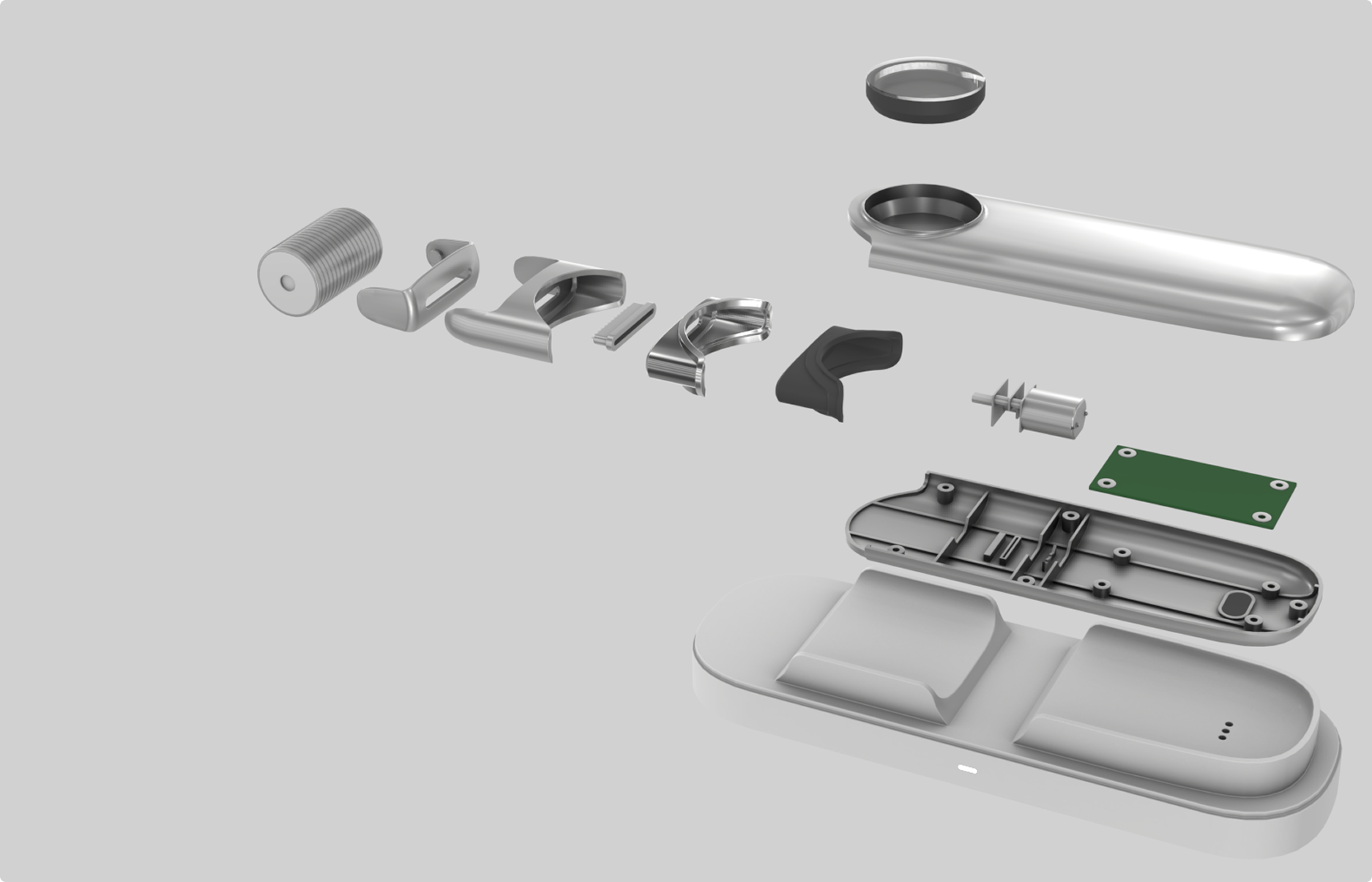
Consumer beauty, cosmetics, personal-care devices. Products where the technical differentiation matters but photography can't show it. The KBIC pattern fits a growing category of premium consumer hardware that competes against cheap imitations on platforms where customers can't tell the difference from the outside.
Send a two-sentence email to info@cclemang.com.
Swipe / buttons →
Tell us what you're building. Most conversations start with two sentences.